Certification review
ECPPTv2 Certification Review
A retrospective eCPPTv2 review covering preparation, the practical assessment, reporting, and lessons from earning the certification in 2022.

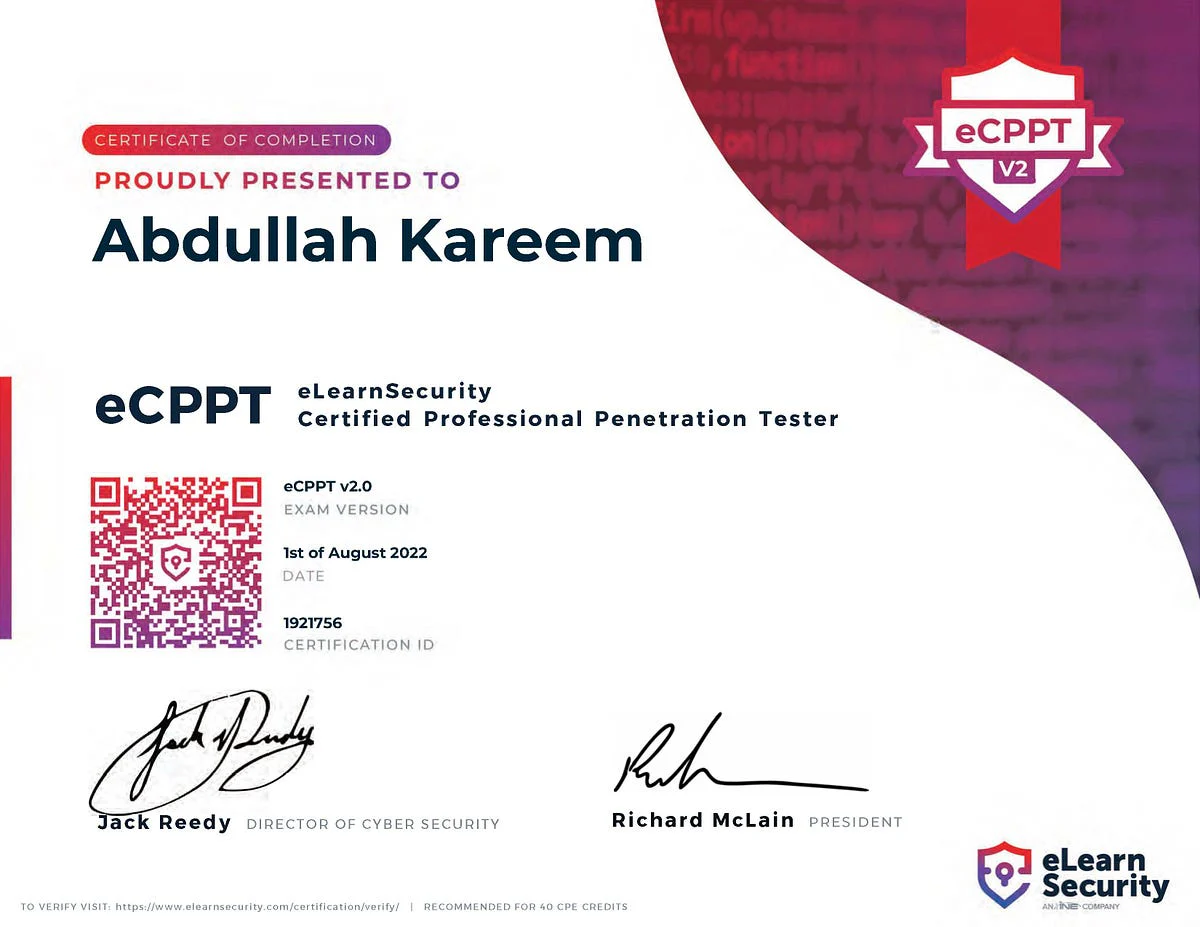
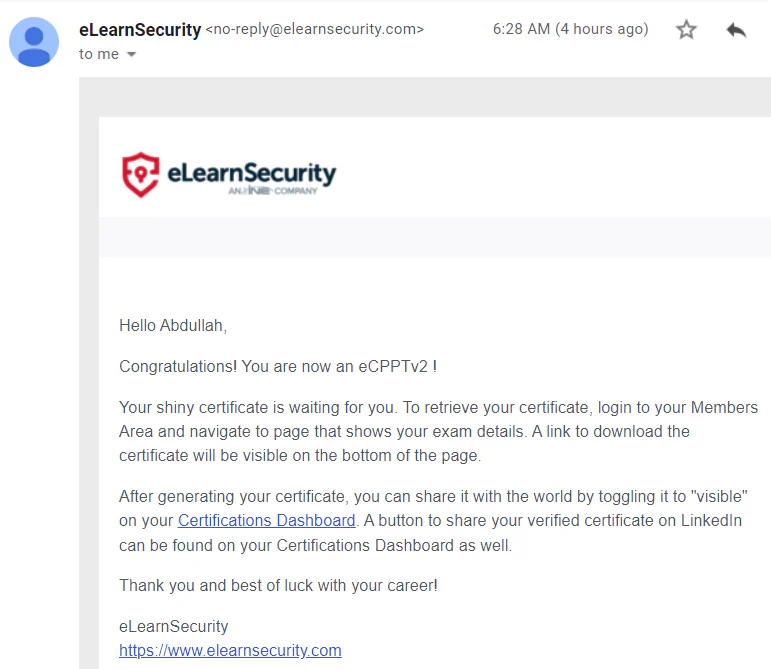
I completed the eCPPTv2 exam in July 2022 and received my pass result on 1 August 2022.
Background
ECPPT opens in a new tab is offered by eLearnSecurity, which is part of the INE umbrella of companies. INE recently bought up Pentester Academy too.
Course
The Penetration Testing Professional (PTP) course is a beginner course for Penetration Testers and IT Security Professionals and ends with an exam and a certification (eCPPTv2). eLearnSecurity / INE designed the course for people with knowledge in IT, but on a basic level. If someone is not familiar with IT and Linux, then you can pick the Penetration Tester Student (PTS) first, to build a solid foundation.
The PTP course offers 6500+ slides, 17+ hours of video training material and 27 labs.
Exam
The exam could be started on demand. After starting, I received the scope, rules of engagement, reporting requirements, and VPN configuration.

Then you have one week to compromise the targets in scope, as well as another week to complete a professional report and upload it for an examiner review.
The scope is straightforward. The test is almost split into two parts; external and internal. The initial external infrastructure is a lot of fun. Once you’re inside the network, it’s up to you to compromise the visible infrastructure in scope, escalate privileges and report on any vulnerability you find.
Overall, the exam environment was very stable, and I experienced no issues with connectivity or similar.
Content
If you’re new to penetration testing, you’ll probably struggle with this exam. There is one task in particular that had me scratching my head for a while. I used a whiteboard for mind-mapping purposes throughout the exam.
During the external penetration test, you’ll encounter multiple vulnerabilities. In the end, I found three different ways to get a shell on the underlying system.
You’ll have to pivot to other domains and subnets and exploit the vulnerabilities present.
Reporting
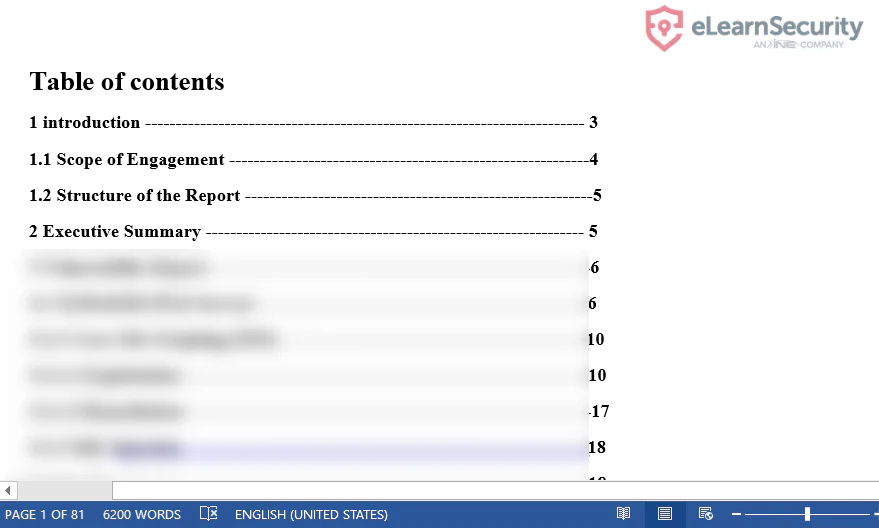
My report was 81 pages long, with a lot of screenshots, executive summary, report structure, contents page, etc. eLearnSecurity is clear on the reporting requirements. I made sure I explained every vulnerability I found, with screenshots and remediation steps.
Recommendations
- Take your time. Don’t underestimate the requirements of the exam, it’s not a CTF. You have seven days to compromise, plus another seven to report.
- Enumerate your targets carefully. Again, take your time here and Google if you are not sure.
- Report every vulnerability you encounter. Like a real-life engagement, you’ll want to inform your client of their technical debt and security posture. Even if it doesn’t lead to a root shell or even code execution, you’ll want to include it in your report.
- Take a lot of screenshots.
- I used Notion as a note-taking tool throughout the exam (It would be better for me to use OneNote as it was easier and time effective for the reporting phase).
- Don’t underestimate the post-exploitation phase.
- Ensure you know how to pivot. check this out: Explore Hidden Networks With Double Pivoting - Pentest Blog opens in a new tab.
- Alongside your Kali VM, ensure you have a Windows VM to hand, with Immunity Debugger (with Mona script) installed and ready to go.
- Very detailed step-by-step instructions are required.