Hack The Box
Hack The Box: Mirai Walkthrough
Mirai retains the Raspberry Pi default SSH credentials and grants the pi account unrestricted sudo.
Recon & Enumeration
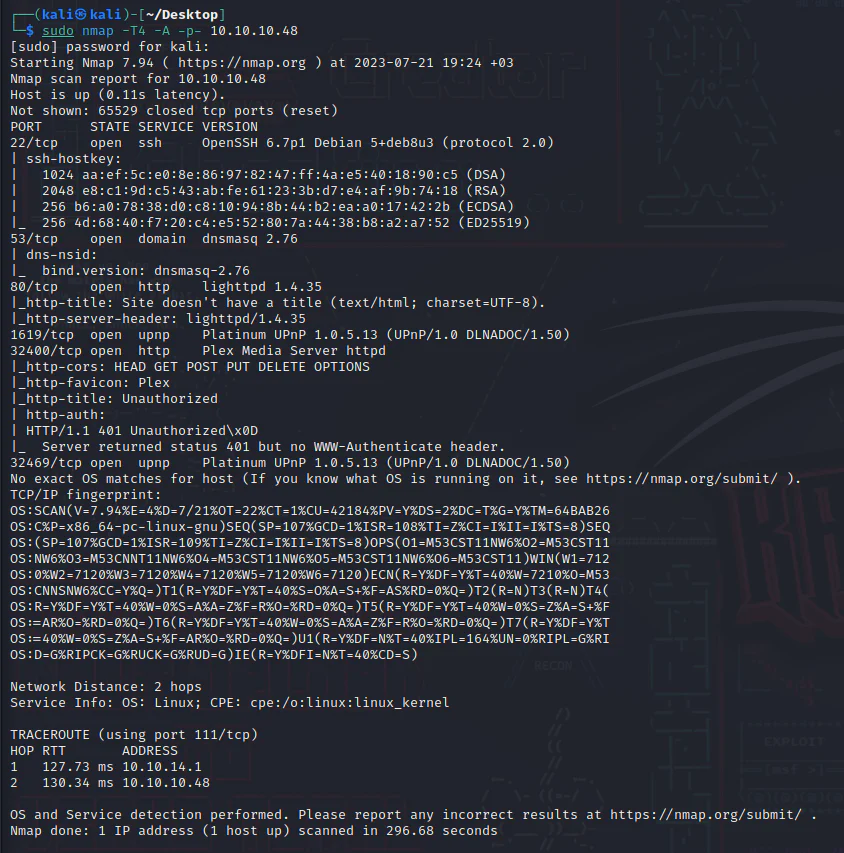
Use nmap to full scan for open ports and services:
Visit the target at port 80.
It shows us a blank page, so, run Dirsearch to enumerate hidden files and directories:
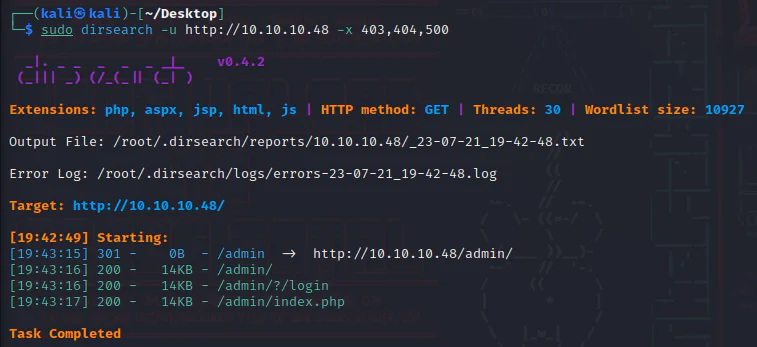
The directory /admin is one of the findings, Review it.
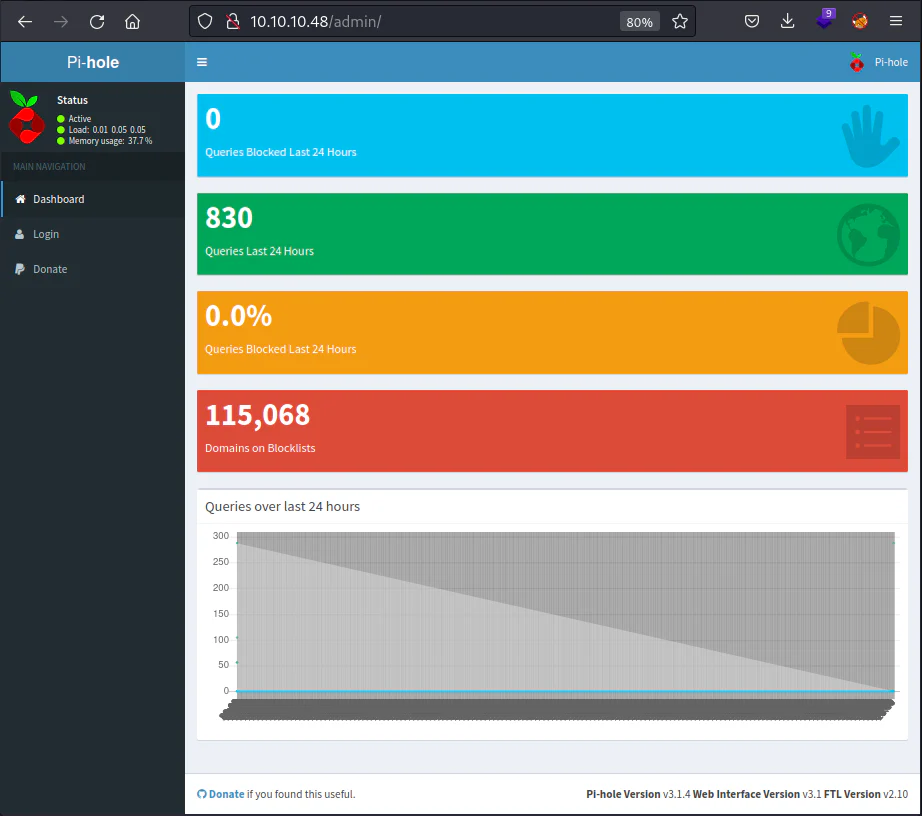
And we have the Pi-hole admin dashboard, we can click on the Login button on the left sidebar.
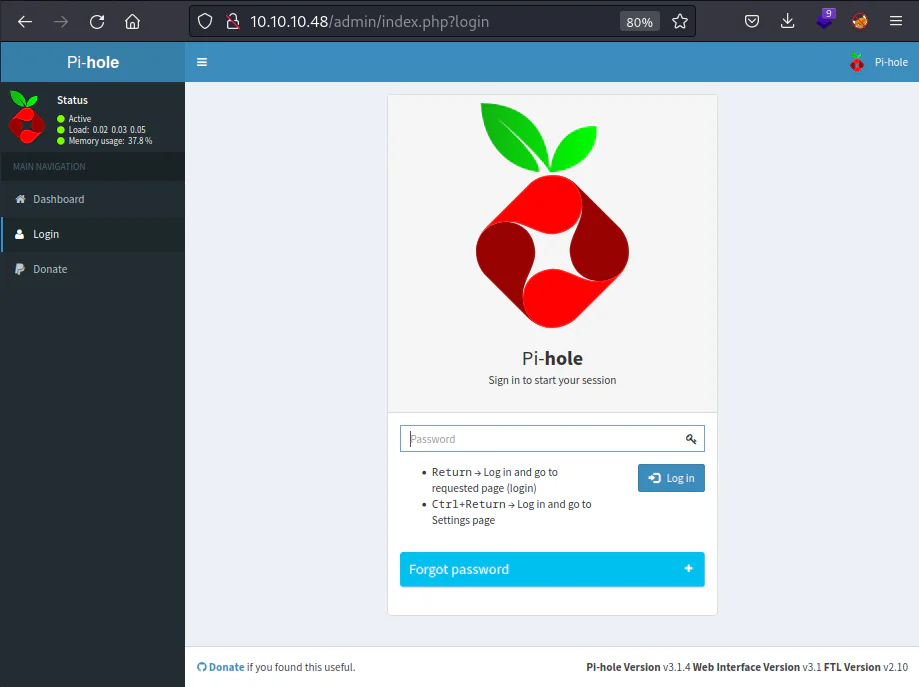
The default username for the Pi-hole application is "pi" with the password "raspberry", but it doesn't seem to work here.
Exploitation:
Since we know from the nmap scan that SSH is running, we can connect to the target.
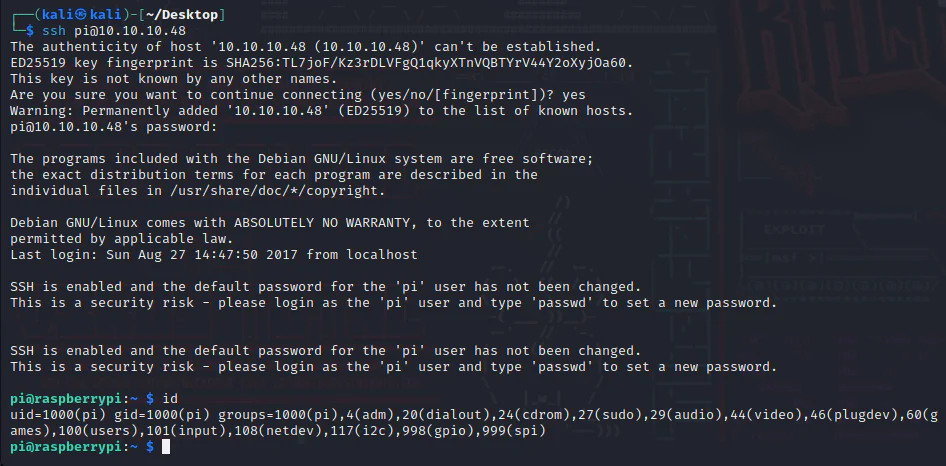
Privilege Escalation:
List the privileges we have here with the username pi.

It seems that we have sudo for all with no password.

And we have a root shell.